

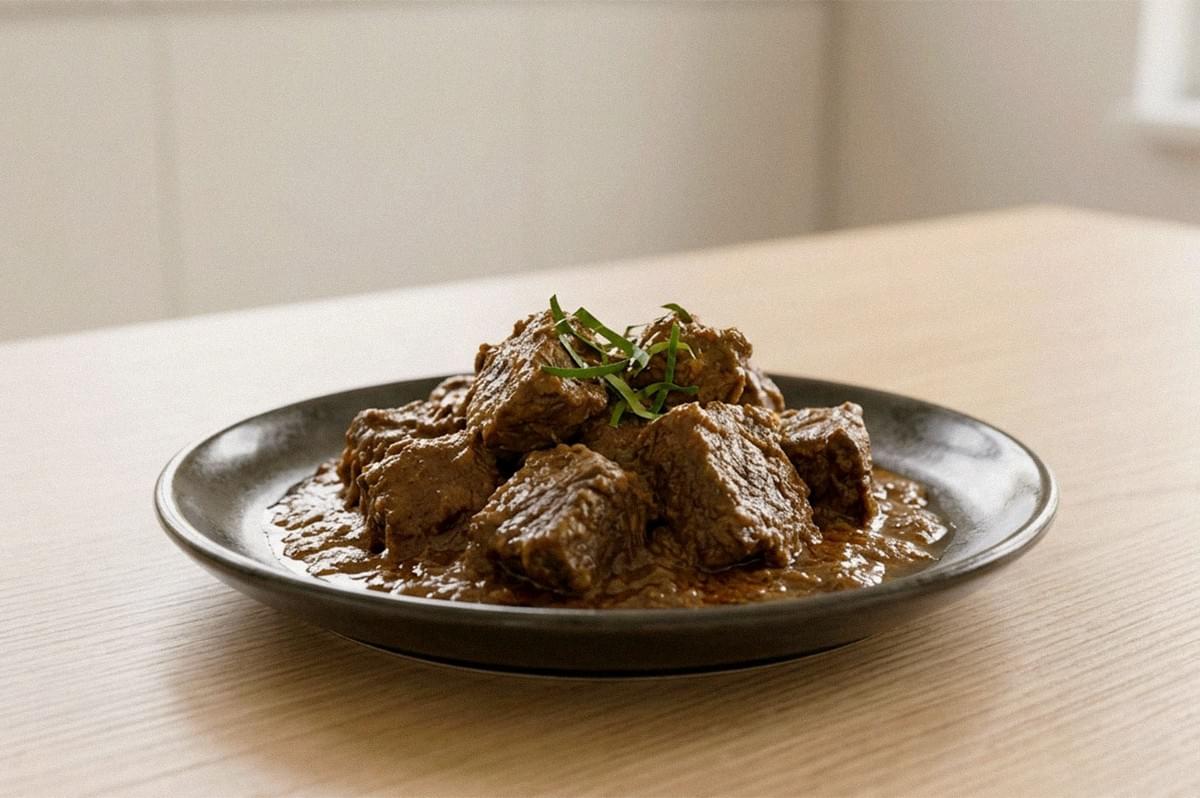
An AI prompt for food photography is not a wish. It is a set of instructions. The more precise those instructions, the closer the AI's output lands to your desired outcome. This guide breaks down how to move from a rough first draft to a usable final image, with a repeatable workflow rather than guesswork.
What Is a Generative AI Prompt for Food Photography?
An AI (artificial intelligence) prompt is the text you give an AI system or large language models (LLMs) to generate images. For food photography, it should tell the model five things:
- What dish is the subject?
- What is happening in the scene?
- Where does it takes place?
- What visual style applies?
- What must stay fixed during later edits?
The last point matters more than most people expect. A good prompt controls not only what appears, but what the AI is not allowed to change. When you treat the prompt as a brief for a photographer and stylist rather than a search query, AI responds with far more consistent results.
Prompt Engineering: What Makes Effective Prompts Work?
Prompt engineering rewards clarity over length. OpenAI's guidance for a perfect prompt is direct: one to three clear sentences are often enough, provided they establish purpose, subject, action, location, and visual style. Longer is not automatically better. Writing prompts stuffed with twenty competing details gives the model more room to misinterpret and make errors.
The core prompt engineering skill in crafting effective prompts is in the writing style: replacing subjective language with observable detail. "Make it look professional" leaves everything to the model. "Soft natural window light from camera left, gentle shadow on the right of the plate" gives the AI more context and a decision it can execute. I've found that direct commands describing visible qualities produce more reliable results than mood words. Effective prompts describe evidence, not feelings.
A Simple AI Prompt Formula to Generate Images
To generate images consistently, use a repeatable structure instead of rebuilding wording each time. A practical framework has seven components:
Subject → styling → composition → lighting → camera language → environment → constraints
Applied to a local dish, that becomes:
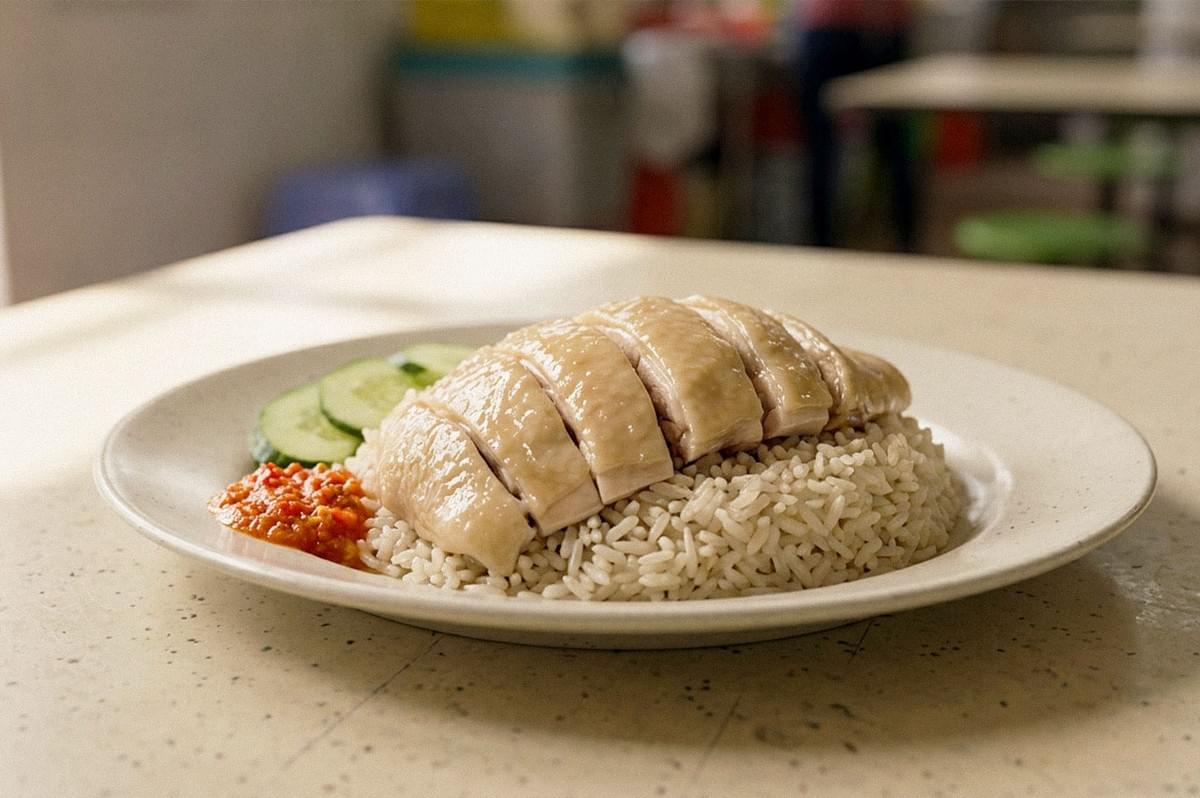
[SUBJECT] Photorealistic plate of Hainanese chicken rice, [STYLING] neatly sliced poached chicken with glossy skin over fragrant rice, cucumber and chilli sauce. [COMPOSITION] Three-quarter tabletop composition, [LIGHTING] soft window light from the left, subtle shadows, [CAMERA LANGUAGE] 50mm food photography look, shallow depth of field, [ENVIRONMENT] simple Singapore hawker table background. [CONSTRAINTS] Natural food texture, realistic portions, no text, no extra utensils.
Each component does a job. The subject and styling define the food. Composition and camera language define the frame. Lighting and environment set the scene. Constraints (no text, realistic portions) tell the AI where to stop. If you already brief real shoots, most of this vocabulary transfers directly, and pairing it with sound AI food photography styling tips will sharpen the artificial intelligence photos further.
From First AI Generated Draft to A Final, High-Quality Image
The first AI generated draft establishes the scene. Do not judge it as a whole. Do not expect it to be 100% accurate. Instead, diagnose it by component, which turns optimizing prompts into a systematic process rather than random regeneration.
Check each element in order by answering these questions:
- Food: Are the ingredients recognizable and physically plausible?
- Texture: Does crisp food look crisp, and does sauce behave like liquid?
- Lighting: Are highlights, reflections, and shadows consistent with one source?
- Composition: Is the hero ingredient clearly the focal point?
- Props: Are cutlery, plates, and bowls structurally correct?
- Context: Does the setting support the dish without distracting from it?
- Commercial usability: Is there clean space for cropping, copy, or packaging?
A draft that fails one or two checks does not need a full rewrite. It needs a targeted revision.
How to Fine Tune an AI Prompt With Follow-Up Prompts
Once composition works, fine tune with follow-up prompts that change one variable at a time. This is the principle most beginners skip: lock the decisions that already work rather than describing the entire scene again. For example:
Keep the same composition and plate placement. Make only the chicken skin slightly more glossy and reduce the background saturation.
Then:
Keep everything else unchanged. Make the shadows softer and slightly brighten the rice.
OpenAI recommends exactly this for edits: state what should change and what must stay fixed, especially for more complex tasks. Changing several elements at once makes it impossible to tell which adjustment improved the image. The idea is that the workflow is an iterative process, and disciplined single-variable edits are what make it efficient.
A Few Examples of Real AI Prompts for Singapore Food Photography
Weak first prompt: Delicious Singapore chicken rice, professional food photo.
No explaining the angle, light, environment, or texture. The AI fills every gap for you.
Improved prompt: Hainanese chicken rice on a white ceramic plate, sliced poached chicken over fragrant rice, cucumber and red chilli sauce. Three-quarter tabletop view, soft diffused daylight from the left, moist chicken skin, shallow depth of field, clean casual hawker-centre setting, natural colors.
Fine-tuning prompt: Keep the dish, angle, and lighting unchanged. Reduce the garnish, make the chicken slices slightly less uniform, and add subtle condensation to the chilli dish.
Use case and varying target audience change the right prompt. A social image might request an overhead spread of chilli crab with hands entering the frame and warm tones. A menu image requires a single portion, neutral plate, soft side lighting, and the whole dish clearly visible. Same food, different AI response, different outcome.
Why Different AI Models Respond Differently

Generative AI is not a deterministic camera. The same wording for the same task can create different results across AI models, because each interprets prompts through its own data training. Adobe explicitly advises comparing AI models, since identical prompts yield different outputs. If one model misreads your intent, switching models will often be more helpful in saving time than rewriting.
Tools like ChatGPT handle plain-language iteration and precise edits well. Adobe Firefly supports photographic language such as lens type and aperture in creating images, and its guidance notes that a quick sketch dragged in as a reference can direct composition and produce content better than a long text description. Midjourney treats inputted image prompts as influence on content, composition, and color rather than exact copies, so a reference guides the look without reproducing it.
Because AI's behavior varies this widely, it helps to dive deeper into how the major AI tools and models compare before committing to one for a campaign.
Countering Like ChatGPT: AI Prompt Generator FAQs
- Should I include camera specs? You can. Terms like "85mm, f/2" guide the aesthetic, but treat them as visual cues. The AI did not physically shoot with those settings.
- Do references help? Yes, for consistency as well as to provide context. Use one image for the dish, one for composition, one for mood, and tell the model what each controls.
- When should I stop prompting? When the food, lighting, and composition work. Further generations risk changing correct elements. Small color, crop, or cleanup fixes are often more predictable in Lightroom or Photoshop.
- What about copyright? IPOS provides resources on how Singapore law treats AI generated content and potential infringement. Check the commercial-use terms of your AI tools before publishing, and avoid reproducing another photographer's distinctive work.
- Do I need a permit for reference shoots? Only for real commercial photography in managed spaces, not for AI generation itself. Requirements vary by site, so check the specific location.
Some Considerations: For AI Food Photographers in Singapore
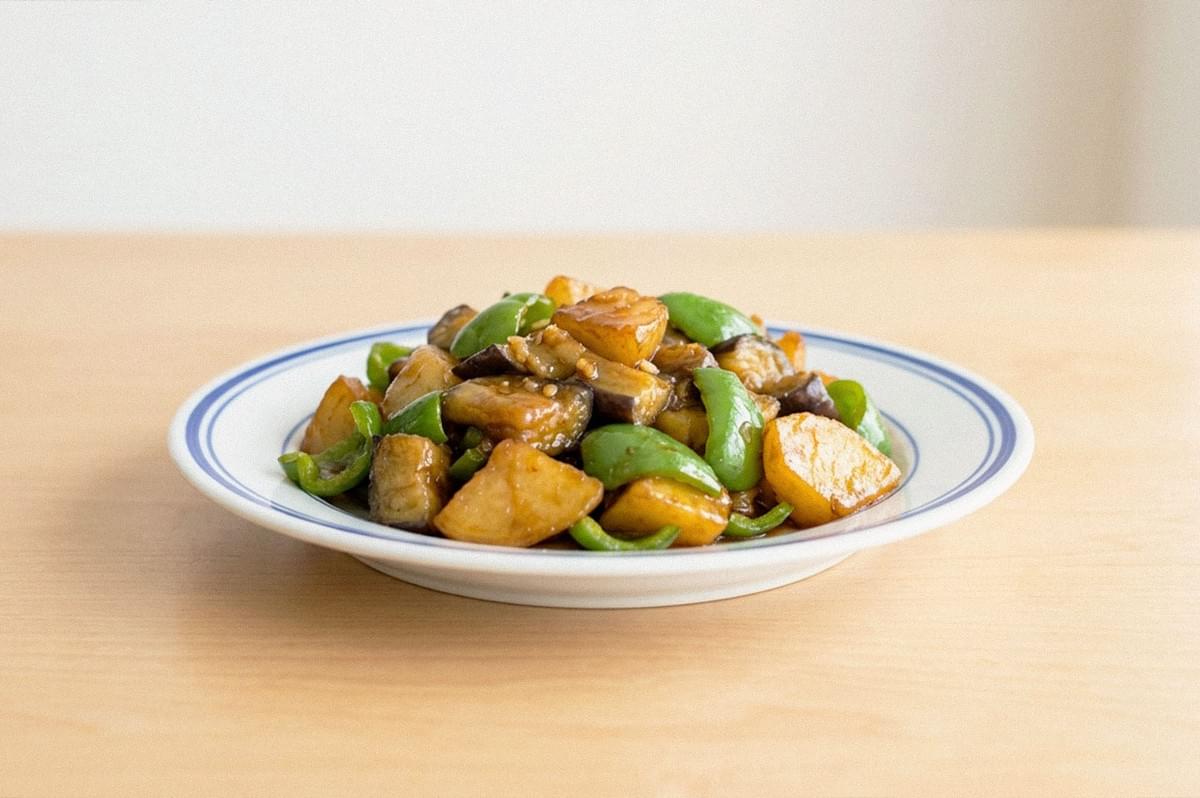
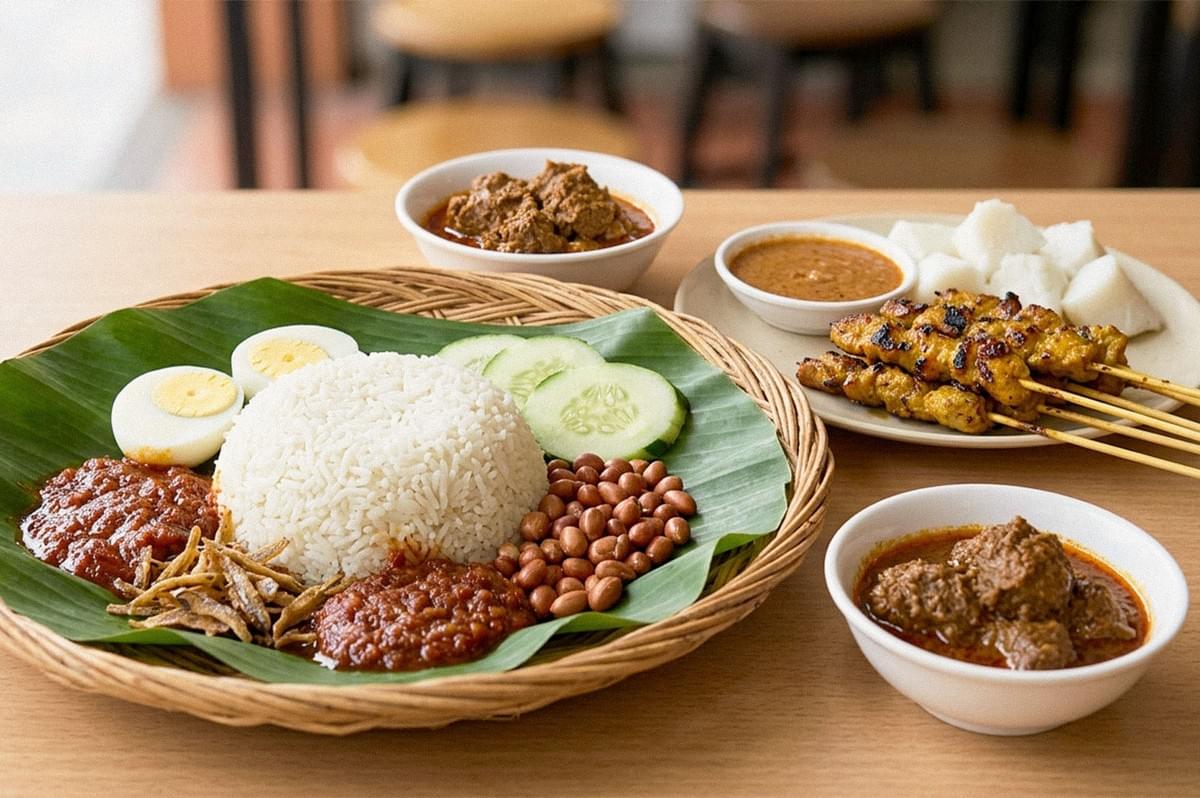
Local specificity should come from real detail, not generic "Asian food" styling. When recreating a dish, research its actual ingredients, plating, and accompaniments rather than letting the model improvise them. Do not collapse Chinese, Malay, Indian, and Peranakan traditions into interchangeable props. For a more comprehensive example, click here to find a detailed guide on working with Hawker plates using AI.
Climate affects believable scenes. The Meteorological Service Singapore records a mean annual relative humidity around 82% and rain on roughly 171 days per year. An outdoor café prompt depicting crisp, dry, Mediterranean-style light will look geographically unconvincing unless that stylization is intentional. It also affects real reference shoots, where sudden rain and condensation should be part of planning.
If you capture reference material commercially, note that URA requires applications at least 14 working days ahead for commercial photography in specified Marina Bay public spaces, and NParks advises applying for a permit at least one month before shooting in its parks. On provenance, Adobe Firefly automatically attaches Content Credentials to assets where all pixels are Firefly-generated, recording their generative origin.
The Key Finding: AI Responds to Intentional Prompts
The central lesson holds from first draft to final image: photograph intent as clear instructions, inspect the output by component, and fine tune only what needs changing.
This disciplined approach not only streamlines the creative process but also maximizes the potential of AI tools, transforming vague ideas into precise, high-quality food imagery. By mastering this method, photographers and creators can harness AI’s capabilities efficiently, ensuring every image meets professional standards and serves its intended purpose with clarity and impact.
