

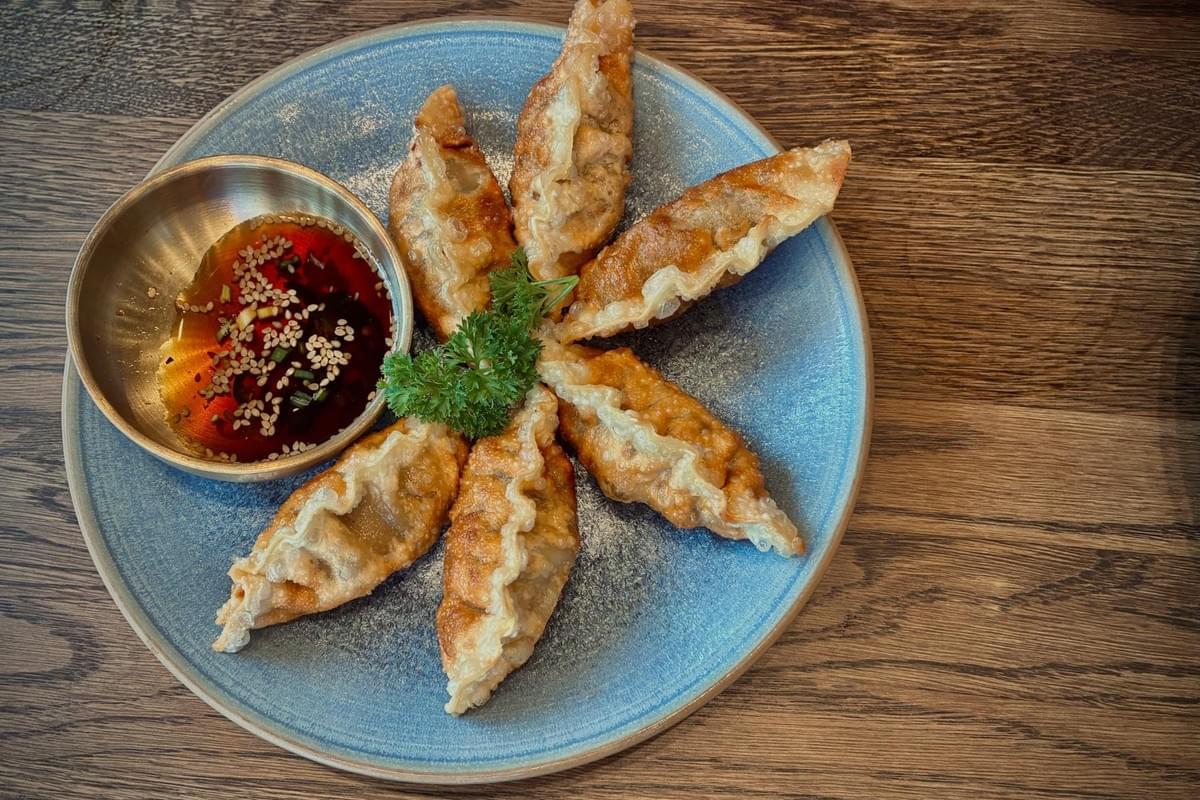
I remember sitting at my desk a few months ago, staring at two images of a roasted garlic and herb chicken. One was a photograph I had taken earlier that day; the other was created in just a few seconds using a free AI image generator. The AI image looked flawless, with perfect golden-brown skin and soft shadows that highlighted interesting textures. Yet, looking closely, the garnish was a botanical impossibility, and the sauce pooled in a way that defied physics. It lacked the genuine texture and life of the actual meal I had just eaten. This moment highlighted a critical modern dilemma: just because we can generate AI images with extraordinary results does not mean we should use them as a substitute for reality.
To understand the broader role of artificial intelligence images in food styling, lighting, and visual storytelling, it helps to first see how AI is reshaping modern food photography.
Deciding between AI image generation and traditional food photography comes down to a simple framework: generate concepts with AI technology, photograph reality, and use AI-generated images to polish rather than mislead. Let us break down when to use each method to build trust and appetite.
Free AI Image Generators: For Concepts, Ideas, and Diverse Styles
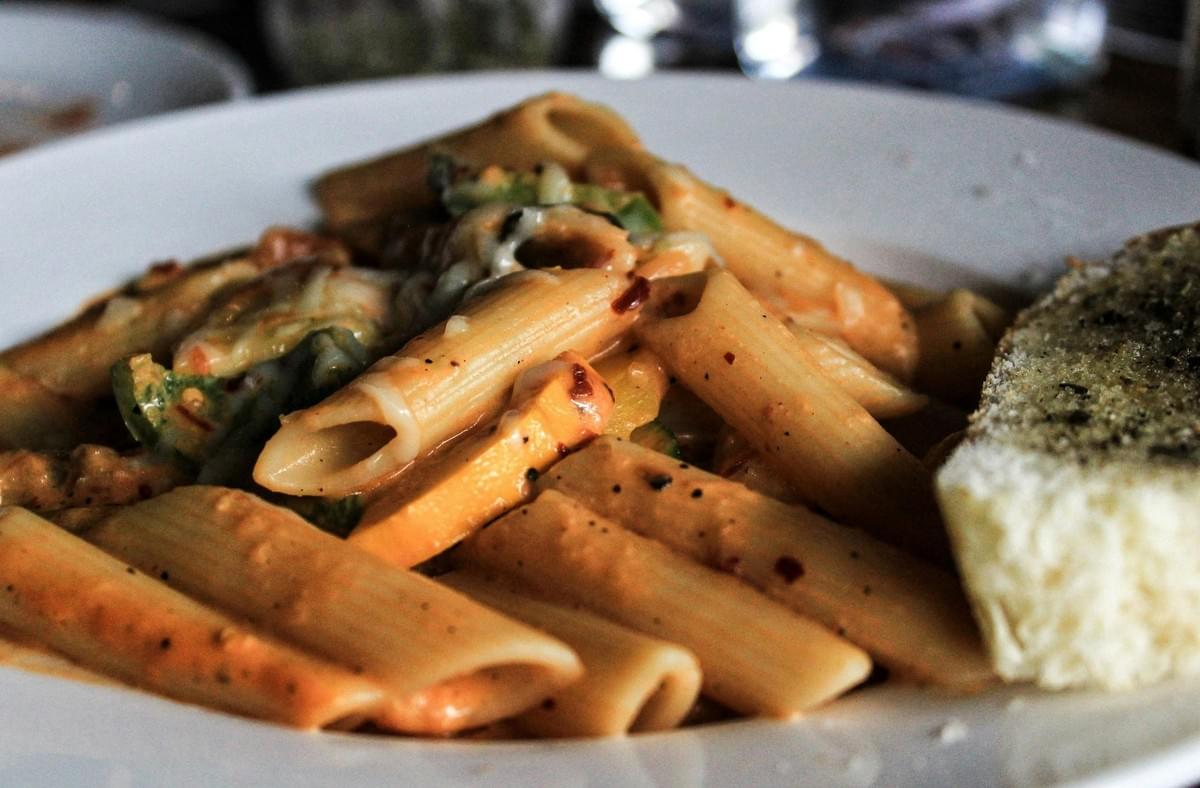
Free AI image generators excel at speed, creative control, and ideation. If you need a moodboard for an upcoming marketing campaign, a conceptual illustration for social media content, or placeholder graphics for personal projects, an AI image generator is a powerful, low-cost tool. With simple text prompts describing your idea, you can click generate and create images in just a few seconds, experimenting with different AI models and artistic styles to explore diverse styles and unique style combinations.
Using reference images or a text description helps the machine learning models produce high-quality images that match your vision. Many image generators also include features like generative fill and image upscaler to add more detail or increase resolution for commercial use. This allows content creators to turn ideas into professional-grade visuals suitable for marketing materials, social posts, or other commercial purposes without the need for advanced design skills.
However, using generated images for commercial purposes carries risks regarding authenticity. AI tends to over-idealize food, creating impossible textures, exaggerated portions, and plastic-looking sauces. Even high-resolution generated images can misrepresent what your kitchen actually serves, which breaks customer trust if presented as real.
Traditional Food Photography: For Trust, Reality, and Good Food Photography
Traditional food photography remains the most important way to provide accurate, trustworthy images. Customers ordering from a delivery app, reading a menu, or viewing a review expect the final image to match the meal they receive. Real food has natural asymmetry, varying textures, and other elements that build credibility.
As a food photographer, I’ve found that natural light is the most effective lighting for food photography. Using daylight near a window provides soft shadows and flattering illumination that enhances the shallow depth and interesting textures of bread crusts, roasted vegetables, and sauces. Avoiding camera shake by using a tripod and controlling shutter speed ensures great photos with sharp focus on the main subject.
Shooting with attention to white balance and aspect ratio helps create beautiful images that can be used confidently for commercial use. Wooden boards or neutral backgrounds often add subtle texture without distracting from the food’s unique style.
Hybrid Workflow: Combining AI Image Generation with Traditional Food Photography
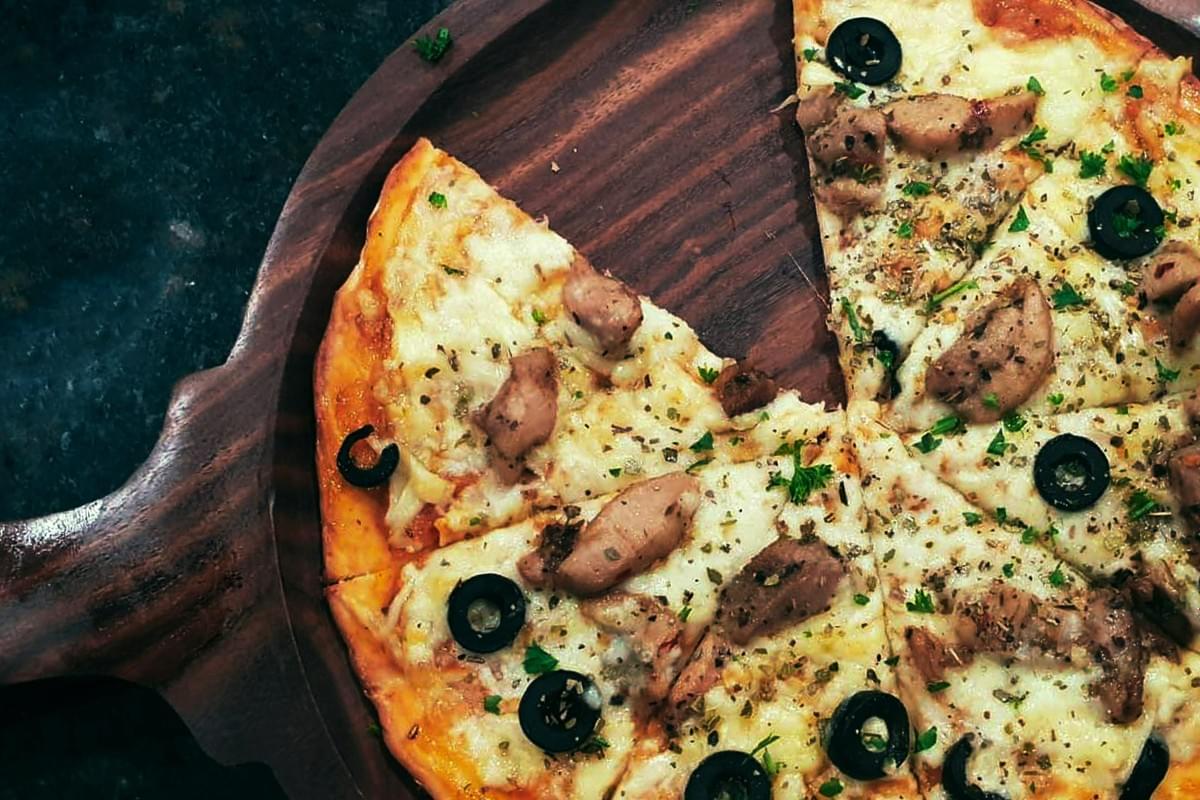
The most effective modern approach blends both worlds. Shoot the real dish to capture its authentic geometry and texture, then use AI editing tools to enhance the final image. This hybrid workflow leverages AI technology as a post-production assistant to save time and improve quality.
You can use an image generator’s generative fill to remove distractions, balance white levels, or expand the background for different aspect ratios. AI-powered upscalers can increase resolution to ultra-high resolution for print or digital marketing campaigns. This keeps the core subject honest while elevating the overall presentation with professional-grade visuals.
Step-by-Step Hybrid Workflow Instructions for Food Photography and AI Image Generation
- Step 1: Define the Use Case
Decide if your image needs to represent a purchasable item. If yes, commit to taking photos of real food. Use an ai image generator only for brainstorming props, lighting angles, or creating reference images beforehand. - Step 2: Set Up and Take Photos
Position your dish near a window for soft side-lighting. Use a camera or smartphone with manual controls to adjust shutter speed, ISO, and white balance. Capture multiple angles: overhead for flat lays, 45 degrees for plated meals, and straight-on for layered items like burgers. Avoid camera shake by stabilizing your device. - Step 3: Enhance with AI Editing Tools
Import your best, sharpest photo into an editing app with AI features. Use AI masking and generative fill to select the main subject, gently boost contrast and sharpness, and remove minor background distractions like stray crumbs or napkin edges. Use an image upscaler to increase resolution for commercial use if needed.
Common Mistakes to Avoid in Food Photography and AI Image Generation
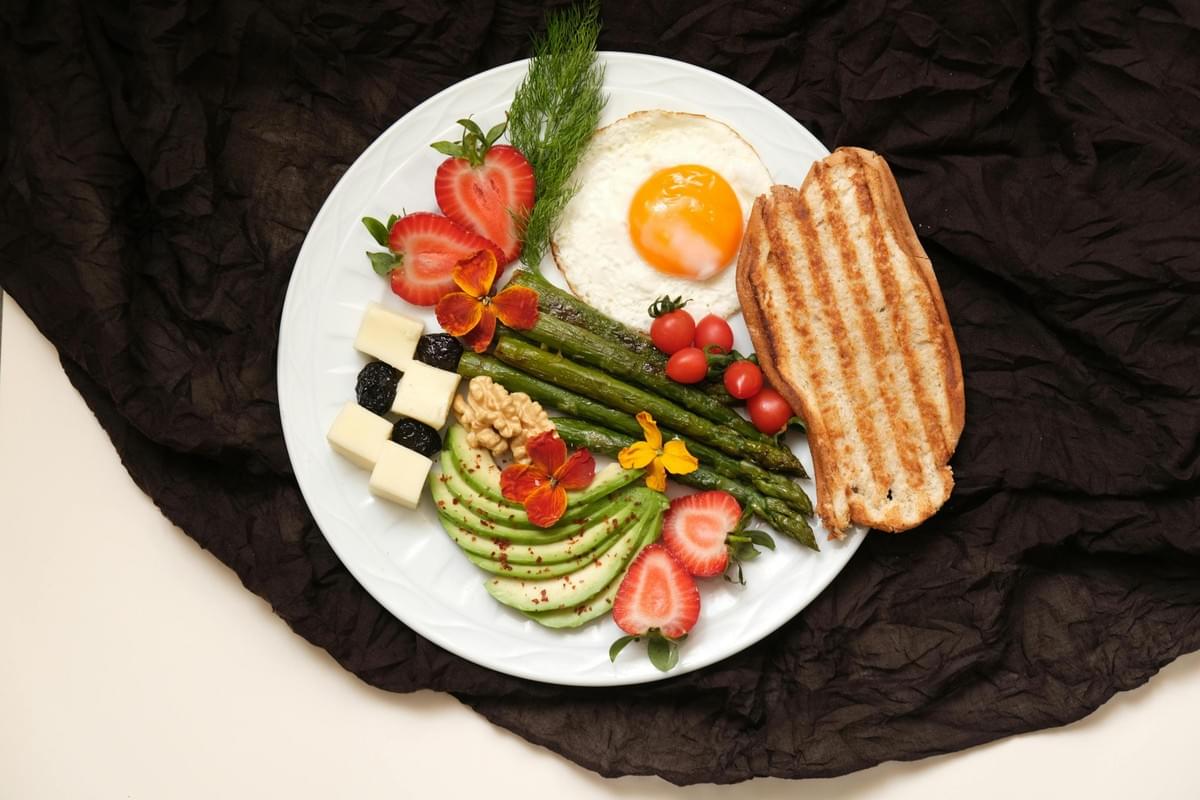
Whether you generate images or take photos, technical missteps can ruin the final result.
- Ignoring light quality: I once used harsh overhead kitchen lighting that made the food look flat and unappetizing. Since then, natural light near a window has been my go-to for good food photography.
- Over-saturating edits: Avoid pushing color sliders too far. Neon greens and overly orange meats signal artificiality to viewers.
- Failing to check AI-generated images: If you use generated images for conceptual posts, carefully check for melted utensils, floating garnishes, or culturally inaccurate elements.
Frequently Asked Questions About AI Image Generation and Food Photography
Do I need expensive gear for traditional food photography?
Many beginners ask if a professional camera is necessary. You can absolutely create beautiful images with a good smartphone by focusing on composition, lighting, and controlling shutter speed to avoid camera shake.
What is the best app for editing food photos?
Applications like Adobe Lightroom Mobile and Canva offer accessible AI editing features. They allow you to isolate subjects, remove distractions, balance lighting, and apply generative fill without over-processing.
Is AI editing considered cheating?
Using AI to fix lighting, correct white balance, or clean a dirty plate edge is professional practice. It becomes problematic only if AI is used to alter the size, ingredients, or doneness of a dish to deceive customers.
Final Advice: Balancing AI Image Generation with Authentic Food Photography
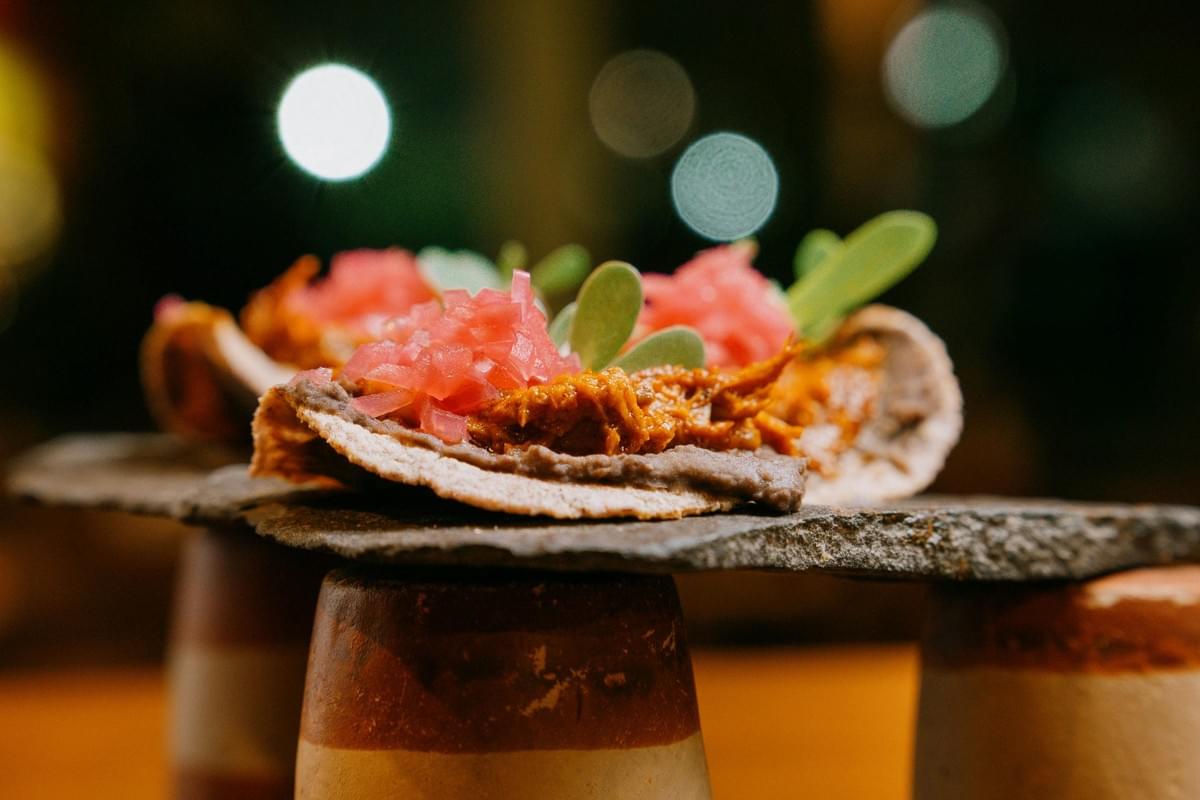
Navigating the intersection of AI image generation and traditional food photography requires clear intent. Embrace free AI image generators to fuel creativity, design moodboards, and visualize concepts rapidly. But when you need to prove the quality of a real dish and earn customer trust, pick up your camera and shoot reality.
Combine the authenticity of real food photography with the precision and creative control of AI editing, and you will consistently create stunning images that resonate. Keep experimenting, study lighting and shutter speed, and always prioritize authenticity to produce professional-grade visuals that truly represent your food and brand.
