

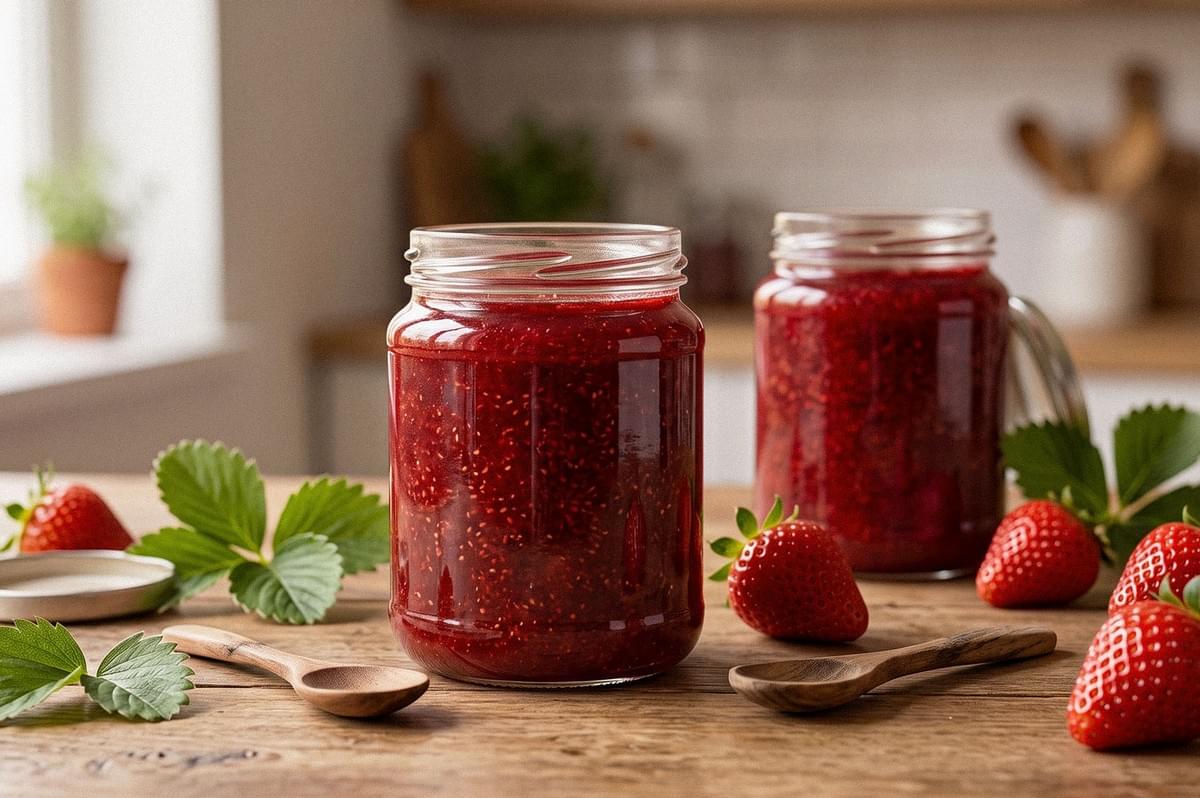
Most food brands take their product photo once, under lighting that rarely matches the pack when it reaches a customer's phone screen. That gap between the photoshoot and the scroll is exactly where tools like Pebblely AI have found a role, turning a single clean image into dozens of usable variations without a second shoot.
Pebblely has been part of that shift for a few years now, but the platform looked quite different as recently as early 2026. If you have used Pebblely before, or read an older Pebblely review, some of what you remember has already changed.
What Is Pebblely AI?
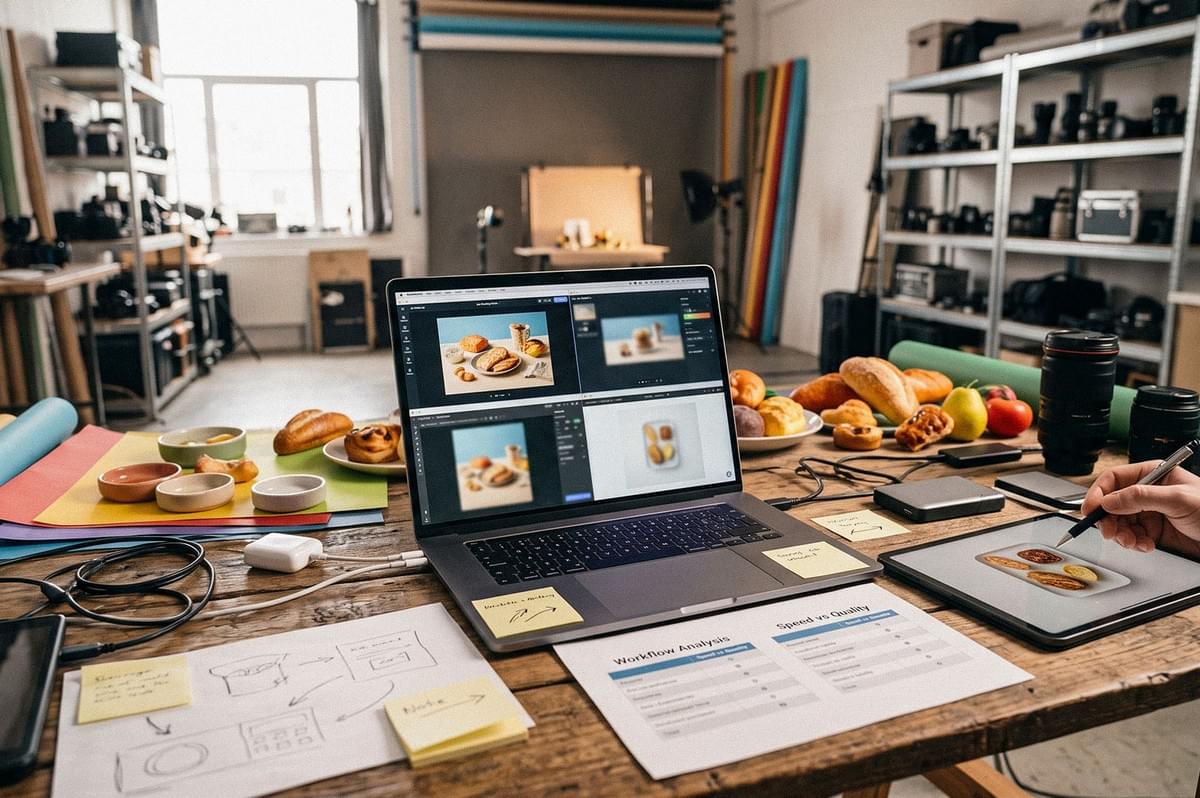
Pebblely is a web-based platform that generates backgrounds and scenes around an uploaded product photo. You upload an image, the platform removes the background, and it places the product into a new setting based on a template or a custom prompt. For food and beverage brands, this usually means taking a bottle, jar, or packaged item and placing it into a styled scene without renting a studio or hiring a food photographer for every variation.
The tool sits in a crowded space of AI photography platforms, and it is worth comparing Pebblely against other options before committing complex workflows to it, something covered in more detail in this breakdown of AI food photography platforms used for real client work.
Pebblely Review: What Changed in 2026?
Pebblely's platform was rebuilt in March 2026. Before that, the workflow required manual background removal and canvas positioning before an image could be generated, extra steps that slowed down anyone managing more than a handful of product photos. The 2026 redesign removed both of those steps from the core workflow.
The current process is simpler: upload a product photo, crop around the subject and remove background, choose a template or write a custom artificial intelligence prompt, then generate. Pebblely now supports over 100 templates and more than 40 background themes, alongside custom prompts for brands that have more specific needs and want more precise direction over the final image.
How Pebblely Turns Product Photos Into AI Images
Getting a reliable result from Pebblely depends on what happens before users open the app, not just what happens inside it. A few steps in this workflow are easy to skip and worth treating with some care.
- Photograph properly first. A clear, well-lit base photo gives Pebblely more accurate detail to work from. Blurry or poorly lit source photos tend to produce AI images with the same flaws.
- Upload and crop. Crop tightly around the product so the platform isolates the correct subject.
- Check the extracted text. Pebblely automatically extracts visible text from the product image on save, including brand names, ingredient lists, and dosage information. This is useful for packaged food and drink, but it should always be checked against the original label before generating further images, since extraction accuracy can vary.
- Choose a template or write a custom prompt. Templates are faster; creating using custom prompts give most users more control over focused mood and setting.
- Use reference imagery where relevant. Reference images help steer composition, color, and overall visual direction when a template does not quite match the brief.
- Choose an output ratio. Pebblely offers presets for 1:1, 4:5, 9:16, 16:9, and a dedicated Facebook Ad size, which removes a separate cropping step for social and ad placements.
- Test standard against high-resolution mode. Standard generation runs in roughly 10 seconds for one credit. High-resolution mode takes about 30 seconds and costs two credits, and it is the better choice for products with fine text or detailed packaging.
- Edit rather than starting from scratch. Generated images can be adjusted through text instructions, so a slightly wrong background or shadow shouldn't be a worry as it does not mean discarding the whole image.
From the Visual Lab: Run one test image at standard resolution before committing credits to high-resolution mode, particularly if you are still deciding on a template.
Pebblely Bulk Generation for Multiple Products Types
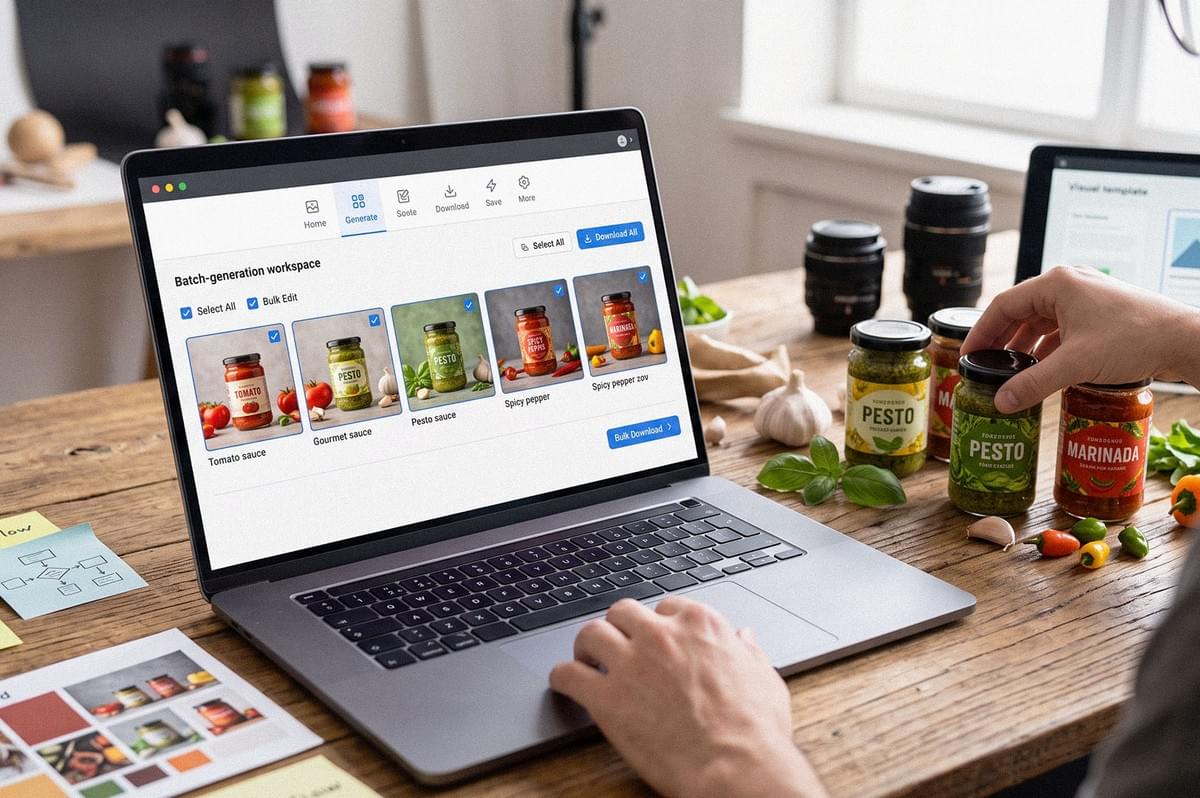
For brands with more than a single hero product, Pebblely's bulk generation feature allows multiple products to be selected at once, with the same settings applied across all of them before a bulk download. This is one of the clearer advantages over manually generating each image, and it fits brands that need consistent styling across a product line rather than one standout shot.
Pebblely also supports group shots of up to five products within a single generated image, which works with both templates and custom prompts. This benefits food brands photographing a range, such as several flavors of a sauce or snack, where a single cohesive image can carry more visual weight than five separate ones.
It is worth noting that bulk generation leans toward automated workflows rather than the kind of complex, highly customized workflows some developers or larger teams might expect from a platform with API access. There is no confirmed current public API or custom integration option following the 2026 rebuild, and older references to API access predate the redesign. Businesses with advanced integration needs should verify current capabilities directly with Pebblely rather than relying on older documentation.
Pebblely Pricing and Plan Limitations
- Lite Plan: Costs US$9 per month, includes 30 images, and does not support bulk generation.
- Basic Plan: Costs US$19 per month, includes 200 images, and supports bulk generation.
- Pro Plan: Costs US$39 per month, includes 500 images, and supports bulk generation.
Annual billing saves more than two months compared to paying monthly, and all plans include access to the 40+ background themes and custom prompts.
The Lite plan deserves a note of caution. It is absent from Pebblely's FAQ and from the March 2026 relaunch announcement, which only reference Basic and Pro. Older reviews of Pebblely sometimes mention a free tier or a limited free plan, but the current public pricing page shows only paid plans. Anyone comparing Pebblely against competitors should check the live pricing page before signing up, since plan structures have shifted before.
How Photographers Should Judge Pebblely
Judging an AI photography tool by its background quality alone misses the more important question: does the product itself hold up? A photographer evaluating Pebblely should look at the product first, checking whether packaging, color, and texture stayed accurate after generation, before judging whether the background looks convincing.
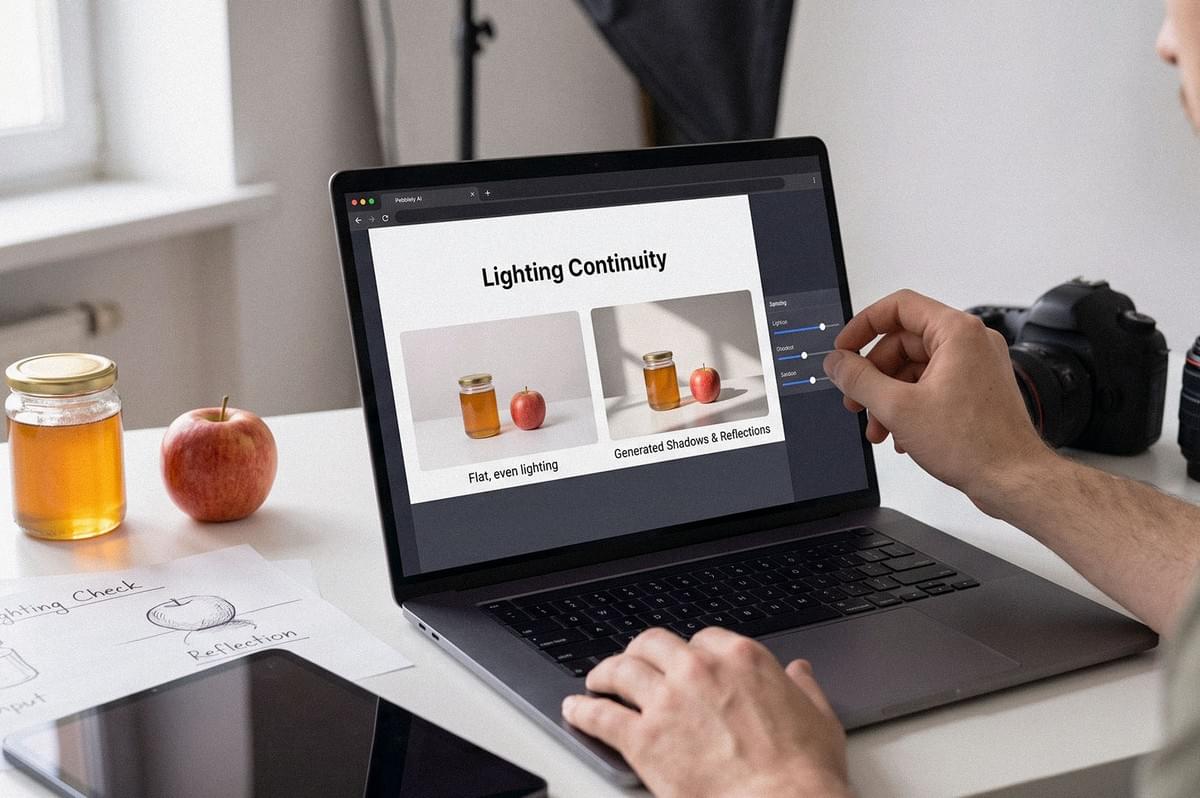
- Lighting continuity matters just as much. Pebblely's generated shadows and reflections respond to the lighting already present in the uploaded photo, so a product shot in flat, even light will generally produce more consistent results than one with harsh, uneven lighting.
- Food fidelity is where the tool is tested hardest. Pebblely performs most reliably with packaged foods, bottles, cans, and jars, categories with fixed, predictable shapes. Isolated takeaway dishes sit in a middle tier, potentially useful depending on the dish. Complex plated meals with irregular ingredients need more scrutiny, since AI models in general struggle to preserve the exact texture and arrangement of a freshly plated dish.
- Speed versus control is the final trade-off. Templates offer speed; custom prompts and reference images offer control. Choose templates if turnaround time matters more than a highly specific visual direction, and choose custom prompts if the opposite is true.
Testing Pebblely With Food Photography: A Changi Village Food Test
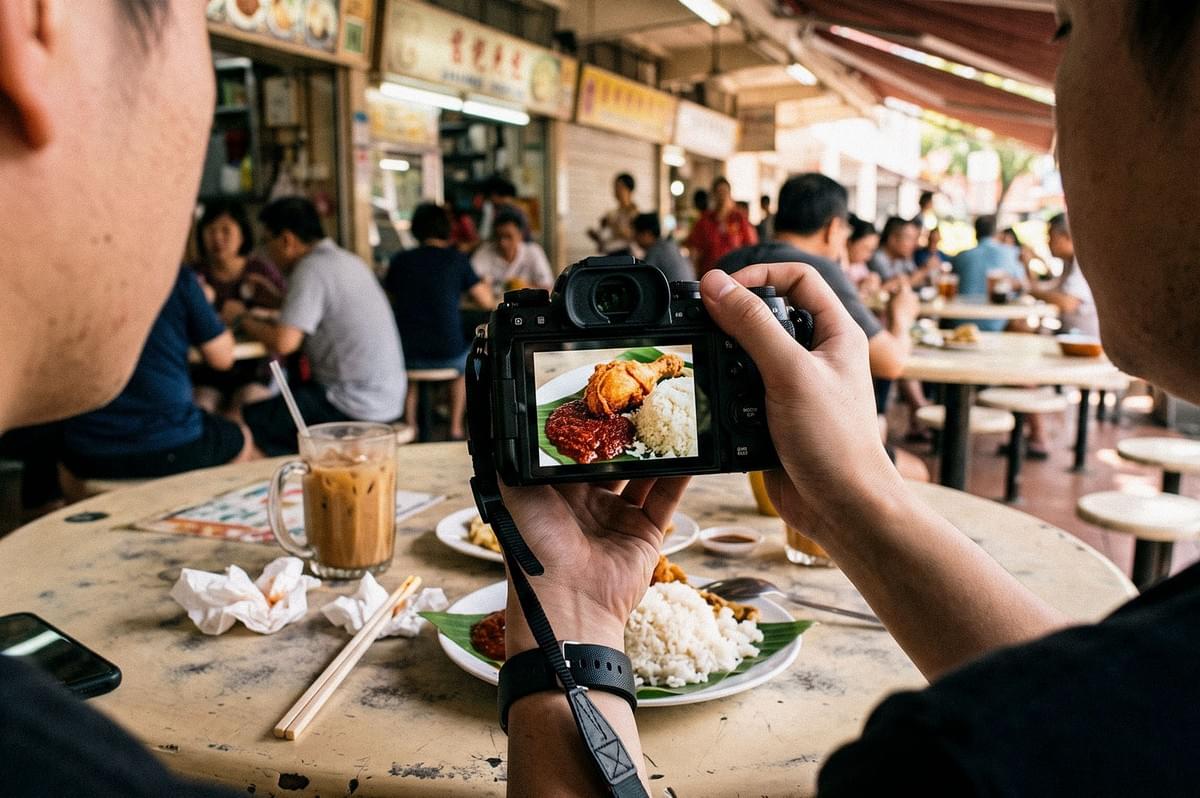
To see how Pebblely handles something closer to real Singapore food photography, it helps to test it against a packaged product alongside a dish from a hawker setting. A packaged Singapore food product, something like a jar of sambal or a bottle of sauce, tends to generate cleanly, since Pebblely can isolate a fixed shape with clear edges.
A dish photographed at a hawker stall is a different test entirely. A tour through Changi Village's food scene for AI food photography purposes found that dishes with clear visual anchors, like a sambal's color contrast or a lifted piece of chicken, translate far better into AI-generated images than a plate with multiple overlapping elements. The same principle ultimately applies when testing Pebblely on multiple products or using bulk generation across a product line: clarity in the source photo carries through to the output.
Singapore Context: Climate, Hawker Centres, and Advertising Rules
Singapore's climate adds a layer most Pebblely reviews do not mention. With a mean annual relative humidity around 82% and rain on roughly 171 days a year, condensation and inconsistent outdoor light are common problems when capturing the source photo that Pebblely will later work from. A slightly foggy lens or uneven daylight at the point of capture limits what any AI tool can do afterward.
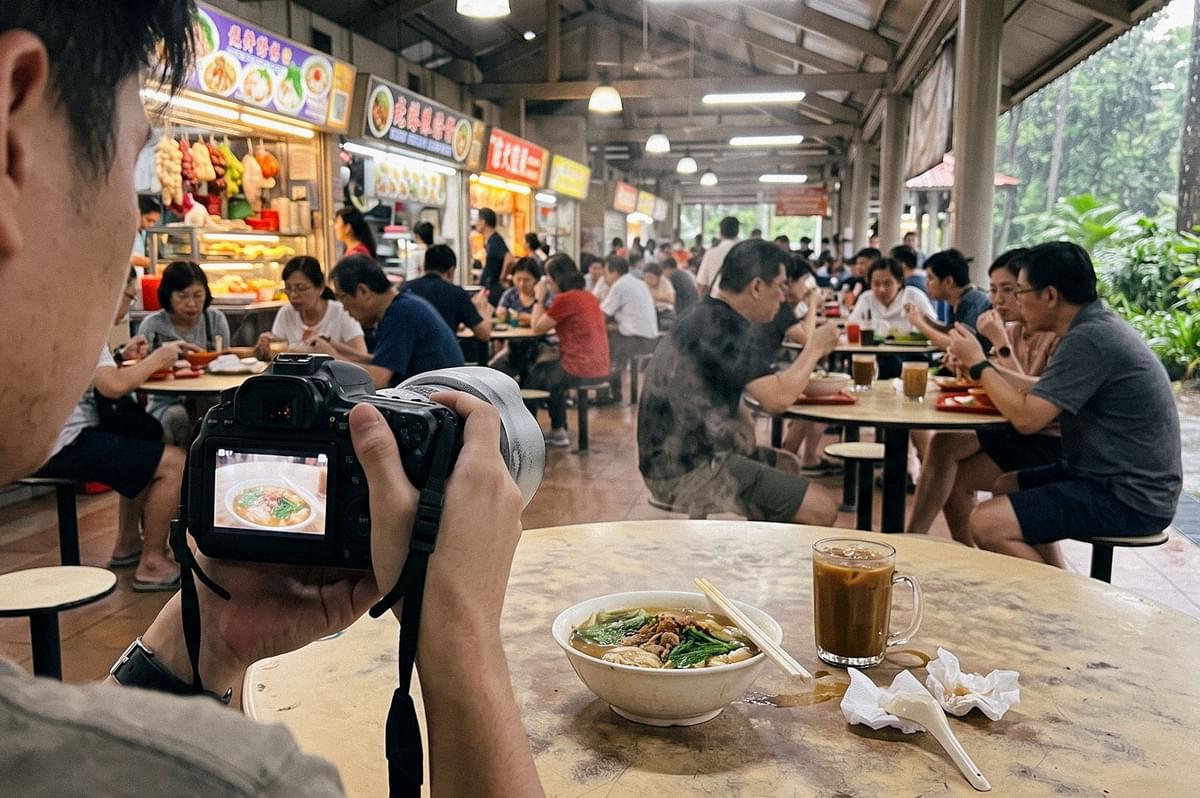
Hawker centres present a tougher stress test again: mixed lighting from stalls and ceiling fixtures, steam rising off hot dishes, irregular plating, and dishes with strong cultural presentation that AI models can misread if not given enough context.
There are also regulatory points worth knowing before publishing AI-generated food images commercially in Singapore. The Singapore Code of Advertising Practice requires that advertisements be legal, decent, honest, and truthful. The Advertising Standards Authority of Singapore's March 2026 position clarified that AI-generated advertising is not inherently objectionable, but false or misleading content remains unacceptable regardless of whether AI was used or disclosed. A risk-based approach is recommended for brands relying on AI imagery in ads. Additionally, if a source photograph includes identifiable people, Singapore's Personal Data Protection Act considerations should be checked before that image is uploaded to any third-party platform.
Common Mistakes to Avoid
- Uploading a poorly lit or blurry source photo and expecting Pebblely to correct it
- Skipping the text verification step after automatic extraction, particularly for ingredient or dosage information
- Assuming a free tier exists without checking the current pricing page
- Using complex plated meals as the main test case rather than packaged products
- Treating bulk generation as a substitute for consistent source photography across a product line
A Clearer Picture, With Some Caveats Still Attached
Pebblely's 2026 rebuild removed real friction from the workflow, and more advanced features such as the bulk generation and template library make it a genuinely useful tool for brands managing packaged food photography at scale. The gaps that remain, around API access, the Lite plan's uncertain status, and its limits with complex plated dishes, are worth checking directly before building a workflow around it. Used within those boundaries, and paired with a properly captured source photo, Pebblely holds up to the kind of testing that matters most: the product looking like the product.
