

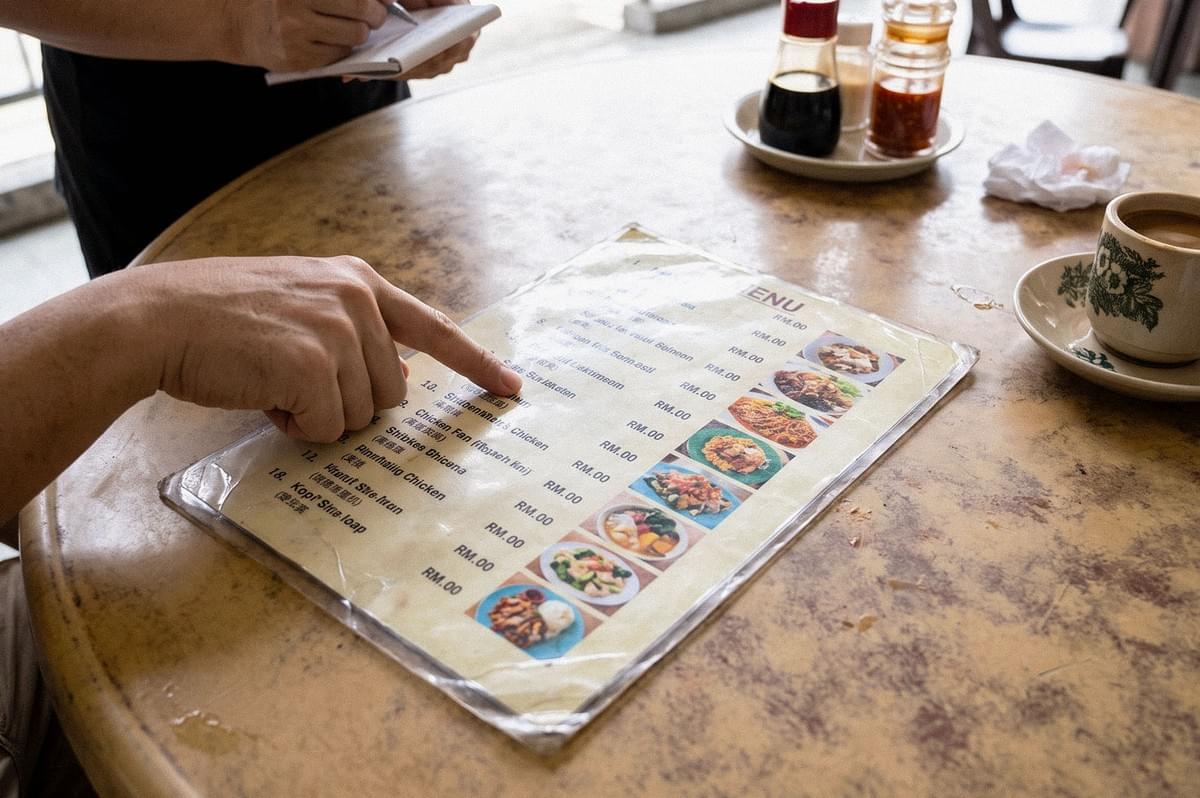
Picture a laminated menu on a kopitiam table, slightly sticky at the corners. Beside each dish name sits a small photo and a price. A customer barely reads the words. They point at a picture and say, "This one."
That pointing finger is why I care about this question. A menu photo is rarely just decoration. It is the first version of the meal a customer meets, long before the plate reaches the table.
A Restaurant Menu Photo Is a Promise, Not a Mood
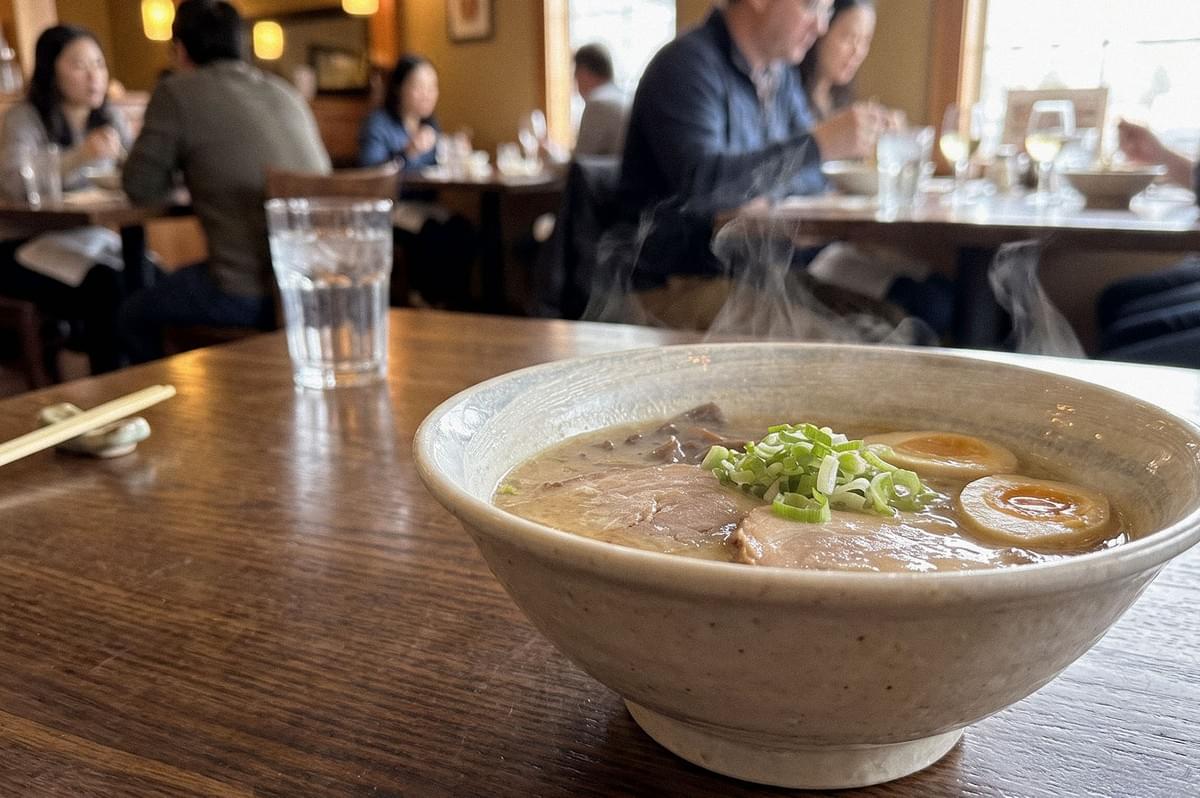
Before I open any AI tool, I ask what job each image has to do. Here is the idea I keep returning to: the more a restaurant menu image works as a promise of what customers will receive, the stronger the case for editing a real photograph instead of generating the dish from scratch.
That gives you a simple way to sort images by category:
- Promise images: a signature dish beside its price, a lunch set, a dinner course. Edit real photos.
- Supporting images: cocktails and sweets, where colour, glassware and garnish shape the choice. Real photos, light retouching.
- Mood images: decorative backgrounds, concept boards, a seasonal banner that sells a feeling. Full generation can work here.
Not every dish needs a photo, either. A fine dining menu might carry a single hero shot, while a busy lunch menu may help customers more with several accurate pictures. Space spent on images is space taken from descriptions and dietary notes.
Where Editing Earns Its Place, and Where Generation Belongs
Take a nasi lemak lunch set. I'd photograph the actual serving: the rice, the sambal, the cucumber, the protein, whatever truly comes in that order. Then I'd correct the mixed lighting and remove a stray napkin. What I wouldn't do is let AI slip in an egg the stall doesn't serve. It would look generous. It would also be untrue.
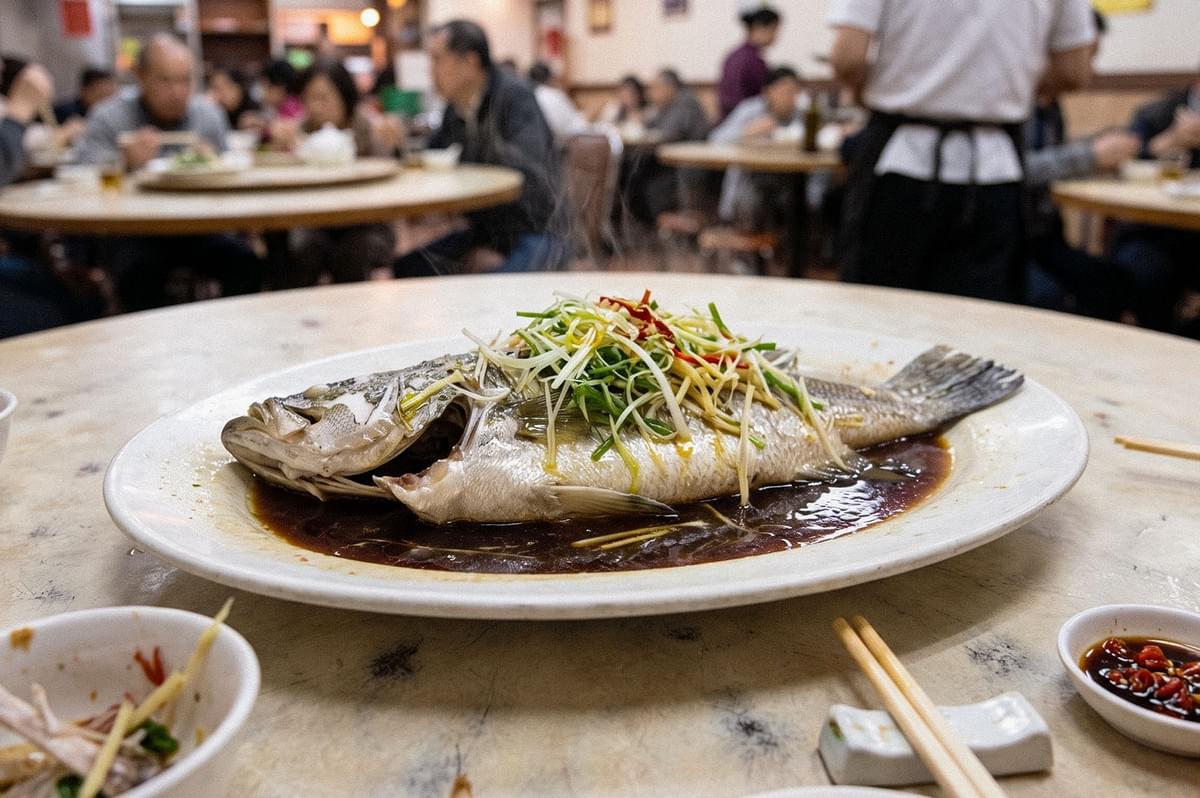
A Chinese restaurant's steamed fish asks for even more restraint. The size of the fish, the shape of the plate, and the depth of the sauce all tell customers what they're paying for. Retouch reflections if you must, but check that the fish still has the same outline after every edit.
A Japanese dinner menu redesign is where generation finally makes sense to me. A designer can explore dark tabletops, quiet ceramics, and soft side light before a single course is prepared. Those mood boards guide the shoot. The purchasable courses should still be photographed as they leave the kitchen.
Cocktails for bars sit in between. Serving volume and garnish matter, so I'd keep the real drink and edit only the glare or a cluttered background.
The wider debate around the benefits and risks of AI-generated food photography comes down to that same line between inventing a scene and inventing the food.
The Preservation-First Workflow I Trust
This is the order I prefer, because each step protects the one before it:
- Preserve the original. Save the untouched file and note which dish, serving, and menu version it shows.
- Make photographic corrections first. Exposure, white balance, crop, lens correction. No generative tools yet.
- Apply AI selectively. Remove a distraction outside the plate or extend a plain background. Leave the food alone.
- Inspect at full size. Compare ingredients, portion, sauce, plate geometry and garnish against the original.
- Get restaurant approval. Ask the chef to confirm the image matches the dish as it is currently cooked and served.
Keep dish names, descriptions and price outside the image file. Add them in your layout software instead. When the restaurant changes a price or drops a meal, your restaurant menu design can continue without a reshoot, and you never rely on an AI model to spell correctly.
Pro-tip: For a printed paper menu, 300 pixels per inch is a common target for close viewing, not a fixed rule. A 6 × 4 inch photo at 300 ppi needs 1800 × 1200 pixels. Confirm bleed and colour profile with the printer before you export.
Singapore Light, Humidity, and the Dishes We Grew Up With
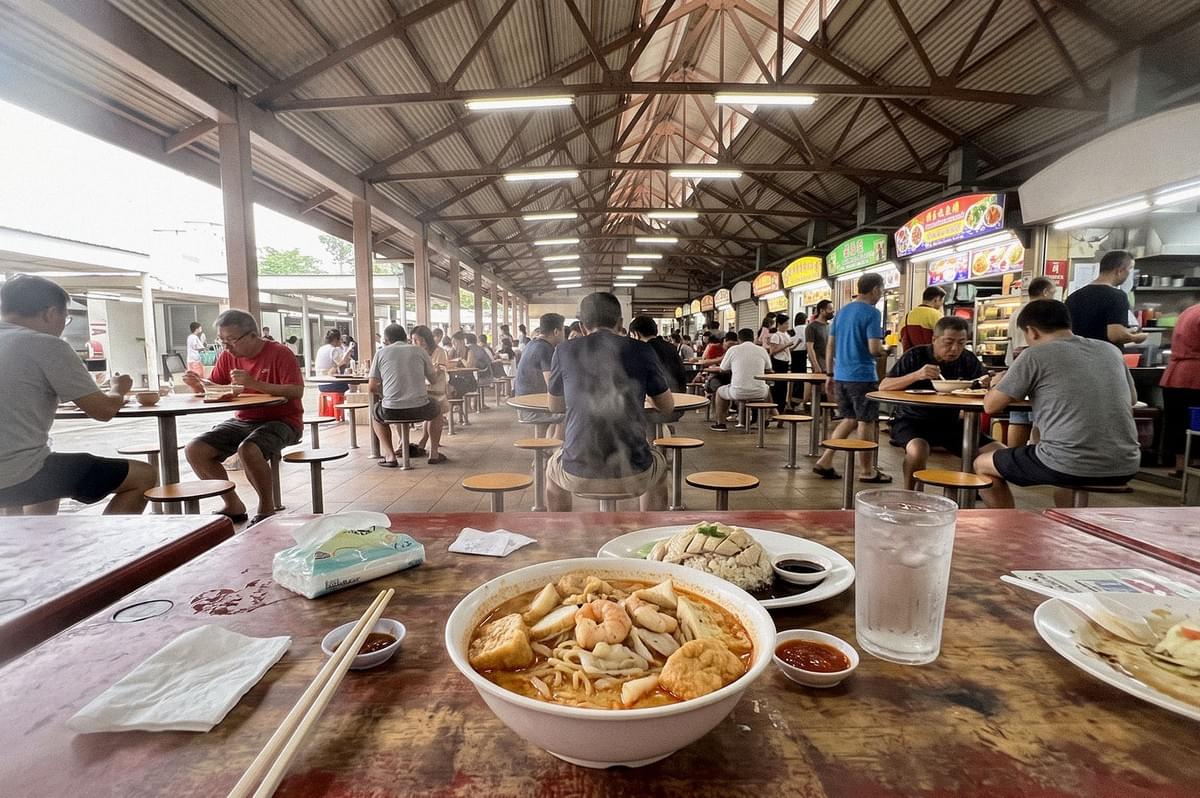
Our climate shapes the source photo more than people admit. Carry a cold camera from an air-conditioned dining room into a humid walkway and the lens fogs. Covered hawker centres mix daylight with fluorescent tubes. A bright window beside a dim interior stretches exposure past what a single frame can hold. Hot food also changes quickly, so time your shots with the kitchen.
None of this is a reason to hand the job to AI. It's a reason to shoot carefully, because editing works best on a clean, honest file.
Cultural accuracy matters too. A generic AI idea of nasi lemak may not be your client's nasi lemak. A generated Japanese set meal, built on a model's loose idea of Japan and its cuisine, might add side dishes the restaurant never offers. Photograph the restaurant's own version. Respect the origin of the dish as that kitchen tells it.
What Honest Restaurant Menu Design Looks Like Under Singapore's Rules
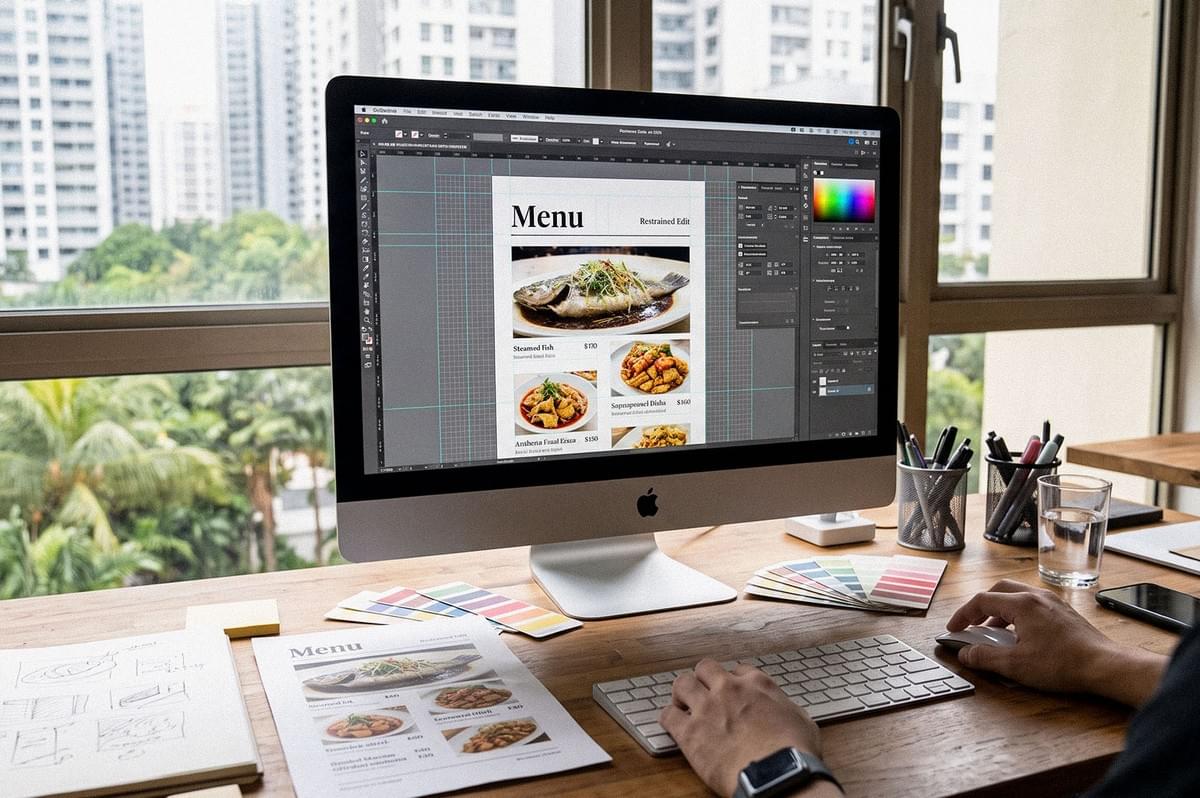
Singapore's Code of Advertising Practice asks that advertisements be legal, decent, honest and truthful. The Food Safety and Security Act 2025 also includes provisions on misleading or deceptive conduct in food business and on false descriptions in food advertising. How these apply depends on the circumstances, and I'm not offering legal advice. But one thing seems clear: an "AI-generated" label does not make a misleading menu image acceptable. Adding a disclosure sign doesn't shrink a portion back to its real size.
That's why I lean hybrid for most work. Real food, restrained editing, a well-designed layout. The same approved photo can then support AI photo use across restaurant marketing and content without the meal being reinvented each time.
Mistakes That Quietly Break Trust
- Adding ingredients that aren't served. Correct the photo, never the product. Remove the extra prawn and re-check.
- Over-sharpening and over-saturating. Cooked meat turns dry, sauces turn neon. View the image at the size it will print.
- Skipping chef approval. You know light. The kitchen knows the recipe. Both views are needed.
- Assuming generation is faster. Count the prompts, rejected outputs, consistency checks and approvals. Sometimes the real shoot would have taken less time.
- Mixing styles across restaurant menus. One stunning shot beside five flat ones makes the whole set feel careless. Match lighting direction and angle within each category.
Questions Worth Asking Before You Build a Restaurant Menu Card
Can restaurants use AI-generated food images at all?
There's no blanket ban. The concern is whether an image creates a misleading view of what customers can order.
Is editing always more accurate than generation?
No. Heavy editing can change portion, colour or garnish just as badly. Compare every edit against the original.
How do you prepare a menu card for restaurant clients using AI-assisted photos?
Shoot the real dishes, edit conservatively, then build the restaurant menu card with text and prices added separately in layout.
Should I shoot overhead or at an angle?
Overhead suits table spreads and flat dishes. A three-quarter view shows height, layers and serving vessels.
What if the dish changes after the shoot?
Reshoot it. An old photo of a dish the kitchen no longer serves is its own kind of untruth.
The Last Look Before It Prints
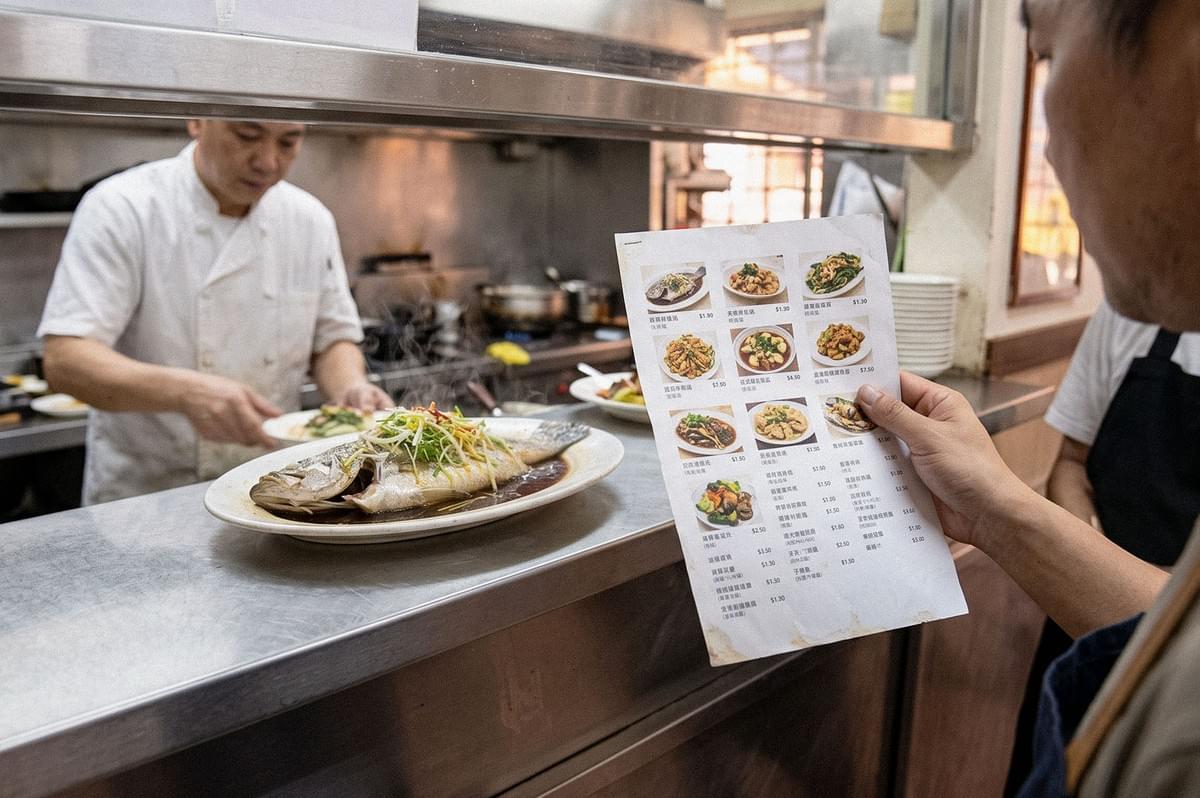
Before any image goes onto a menu, I'd suggest one quiet test. Stand at the pass, hold the photo beside the plate as it is actually served, and ask whether a stranger would feel misled. If the answer is no, you've done your job. If you hesitate, trust that hesitation and choose the real plate. A menu must always be confidently at the service of the food the kitchen intends to serve.
