

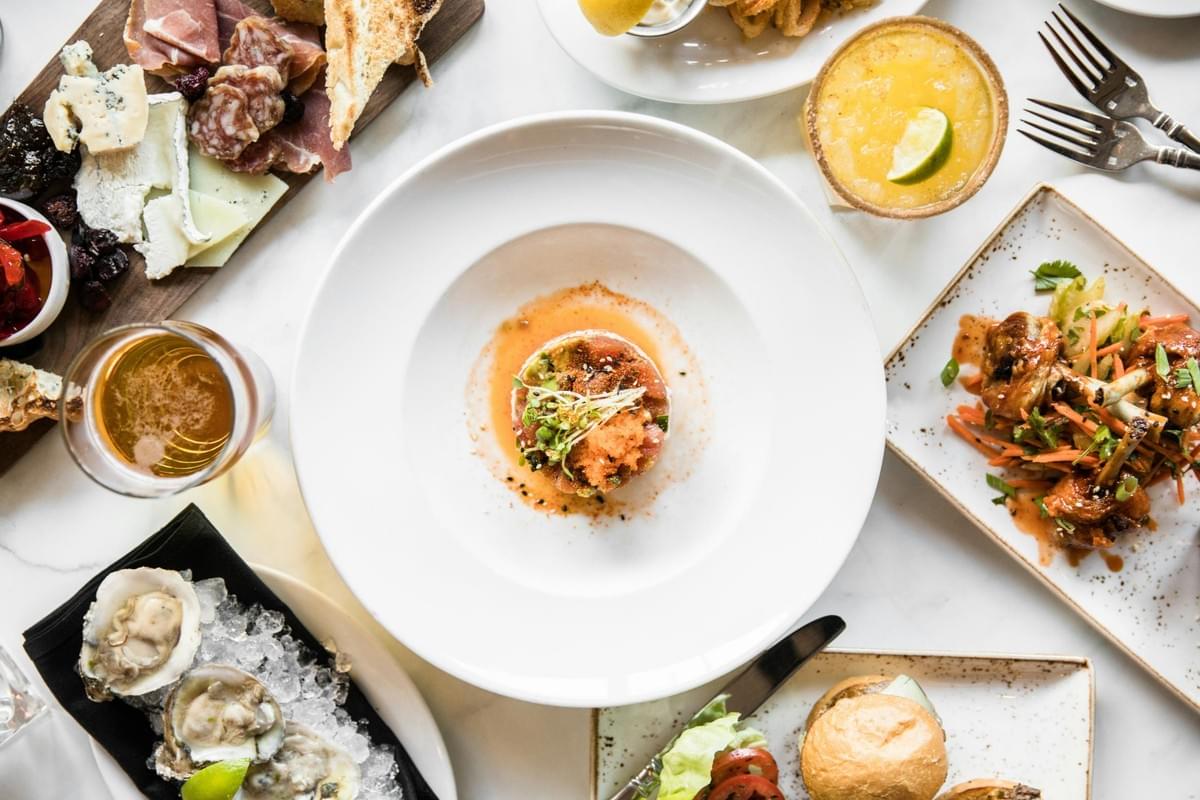
The first AI image I made for a restaurant was a bowl of laksa that looked like it belonged in a magazine. Glossy broth. Perfect prawns. Steam curling like it had been choreographed.
The owner looked at it and asked one quiet question: "But this isn't what we serve, right?"
She was right. It was beautiful. It was also a lie.
That moment taught me how to actually use AI for a restaurant's Instagram, not to invent food, but to help real food find its audience. In this guide, you'll learn what AI can and cannot do for your feed, a simple five-step workflow, Singapore-specific aesthetics that feel true, seasonal campaign ideas, realistic costs, and a pre-publish checklist to keep you honest. If you run a café, a hawker stall, or a small restaurant here, this is written for you.
What AI Can and Cannot Do for Your Feed
AI is a creative assistant, not a replacement for real food. Artificial intelligence photos won't be perfect without the human touch. In my experience, it works beautifully for concept visuals, mood boards, seasonal artwork, background clean-ups, and carousel illustrations. It struggles the moment you ask it to be your actual dish.
Here's what AI does well:
- Concept images before a menu launches
- Seasonal campaign backgrounds and festive décor
- Cleaning up distracting clutter in a real photo
- Extending a background or changing aspect ratios
- Improving lighting on a phone snapshot
Here's where it should stay out of the way:
- Standing in for the exact dish a customer will order
- Exaggerating portion size or adding ingredients you don't serve
- Faking freshness, steam, or texture on food you never cooked
Singapore diners notice. Food recommendations travel fast here through reviews and reposts. If your image sets an expectation the plate can't keep, you lose the one thing that actually matters: trust.
Pro tip: Keep the food real, and let AI handle everything around the food. That single rule will save you most of the trouble.
A Simple Five-Step Workflow
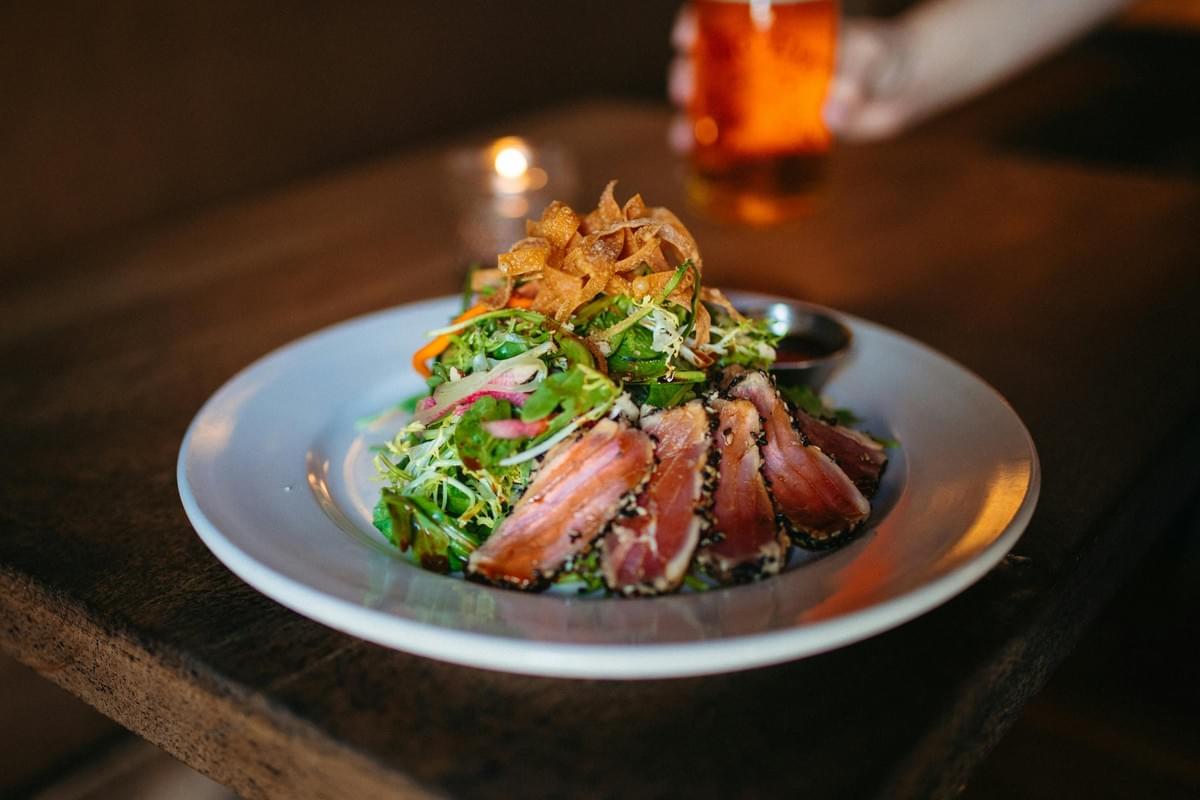
This is the process I follow now. A full concept takes about 30 to 60 minutes once you're comfortable. A whole campaign, roughly half a day.
Step 1: Define the Purpose
Decide what the post is for before you generate anything. A launch campaign wants a clean hero shot with premium styling. A daily post wants something casual and lifestyle-led. A promotion needs bold colour and space for text.
Skip this step, and you'll waste an hour generating pretty images that don't fit anywhere.
Step 2: Decide What Stays Real
This is the honesty checkpoint. Your food, signature dishes, interior, and staff should be real photography. Let AI handle the supporting cast, backgrounds, seasonal decorations, illustrations, and mood scenes.
I keep a simple line in my head: real plate, assisted world.
Step 3: Build a Visual Identity
Choose a colour palette, a lighting style, a camera angle, your props, and an editing mood. Then stick to them.
In my experience, consistency beats novelty every single time. A feed that looks like itself, post after post, builds recognition faster than one chasing every new trend.
Step 4: Generate Variations
Instead of one image, create a set from the same concept: an overhead shot, a 45-degree angle, a close-up, a lifestyle frame, and a detail shot. One idea becomes five posts. This is how a single day of work stretches into a month of content.
Step 5: Edit Before Posting
Never post the raw generation. Check the plate shape, the spoon size, the chopsticks, the ingredients, the shadows, the reflections, and your branding. Tools like Lightroom or Photoshop handle the final polish; many creators pair those with AI generators like ChatGPT Images, Midjourney, Adobe Firefly, or Canva AI.
Insider knowledge: The fastest way to catch a fake image is to zoom in on the small, repeated things. Duplicated garnishes, floating chopsticks, a fork with one tine too many. AI errors hide in the corners, not the centre.
Singapore-Specific Aesthetics That Feel True
The most common mistake I see is forcing every dish into the same glossy studio look. It flattens what makes our food ours. Match the aesthetic to the setting instead.
Hawker: Wok Hei and Everyday Life
For hawker content, resist the urge to make food look luxurious. Highlight the steam, the wok hei haze, the traditional crockery, the stainless steel spoon, the busy food-centre hum in the background. Authenticity resonates far more than styling here.
Café: Soft Daylight and Quiet Space
Café feeds thrive on soft natural daylight, neutral backgrounds, wooden textures, and minimal table settings. Think a flat white beside a window, condensation on the glass, a brunch plate with room to breathe.
Fine Dining: Negative Space and Restraint
Premium restaurants lean into negative space, elegant plating, minimal props, and warm controlled lighting. Less on the plate, more room around it. Let the dish be the subject.
Seasonal Campaign Ideas
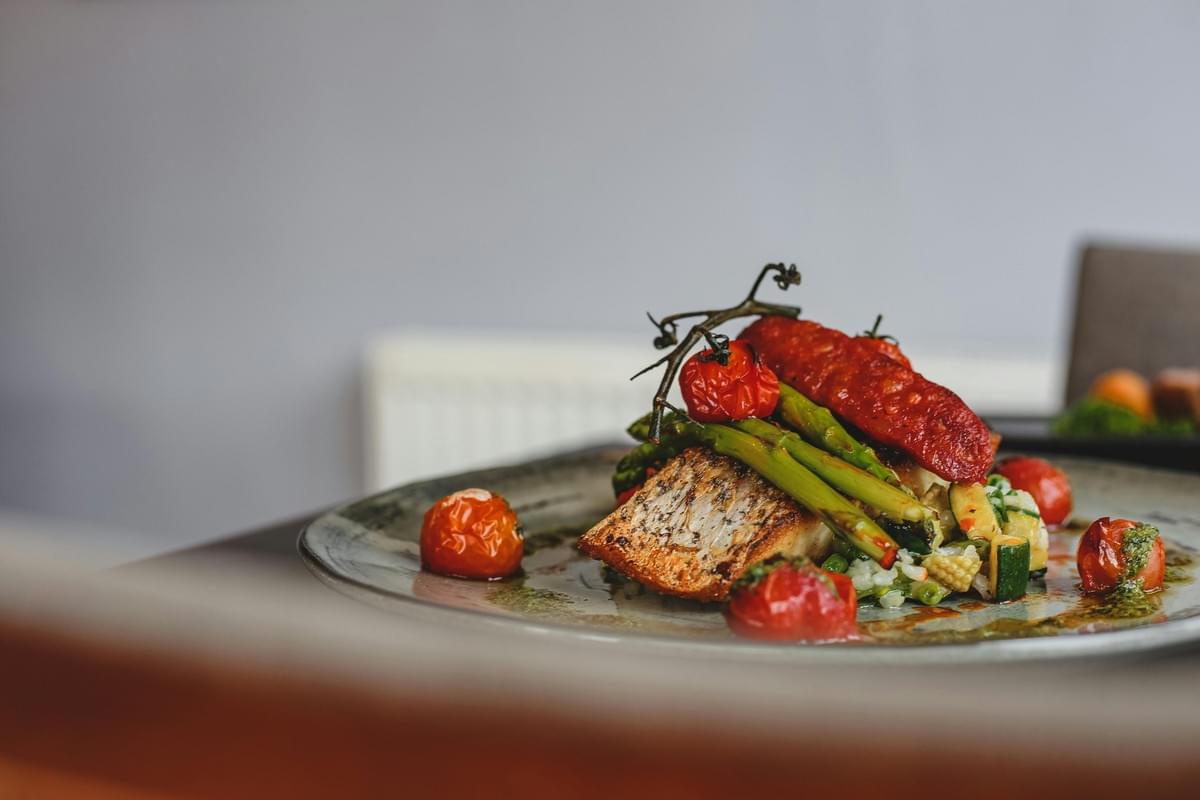
This is where AI genuinely saves you money. Instead of building an expensive physical set, you can visualise festive ambience, then keep the food itself as a real photograph.
- Chinese New Year: warm reds and golds, lanterns, a reunion-table mood behind a real plate of yusheng or pineapple tarts.
- Hari Raya: soft festive lighting, ketupat motifs, an inviting open-house feeling around your actual dishes.
- Mid-Autumn: moonlit backgrounds and lanterns behind a real mooncake, without renting a moon-viewing set.
- National Day: subtle red-and-white cues and a sense of place, kept tasteful rather than loud.
For a Mid-Autumn dessert launch, I once generated the lanterns and the moonlit backdrop, then dropped in a real photo of the mooncake. The scene felt festive. The dessert stayed honest. That balance is the whole point.
Realistic Costs and Timing
Let's talk numbers, because pretending this is free helps no one.
AI subscriptions generally run from free basic tiers up to entry-level plans around US$10 to 20 a month, with professional plans closer to US$30 to 60. That covers your generation and light editing.
Real photography still matters, and in Singapore a basic restaurant shoot typically costs around S$300 to 800, while a professional commercial shoot lands closer to S$1,000 to 3,000 and up. Larger campaigns climb from there.
The workflow I'd suggest for most small businesses: one solid professional shoot for your signature dishes, then AI-generated campaign assets built around those real images. You pay for authenticity once, then extend it affordably.
On timing, batch your work. Many restaurants spend a single focused day, prompt writing, generation, selection, editing, captions, and walk away with a month of Instagram posts ready to go. It's far less exhausting than scrambling for content daily.
Real Scenarios
A Tanjong Pagar café, pre-launch. No finished dishes yet, no photos to post. Here AI earns its place: brand mood boards, coffee illustrations, lifestyle scenes, and "coming soon" posts to build anticipation. Once the kitchen opens, you swap the AI concepts for real photography.
A hawker stall on a tight budget. Shoot on a smartphone. Use AI to remove background clutter, extend the frame, and lift the harsh fluorescent lighting. You get clean, professional-looking content without a production budget, and the food stays exactly as it's served.
A Mid-Autumn festive campaign. Rather than dressing a whole set, generate the lanterns and the moonlight, and keep the mooncake real. Festive mood, honest product.
FAQ
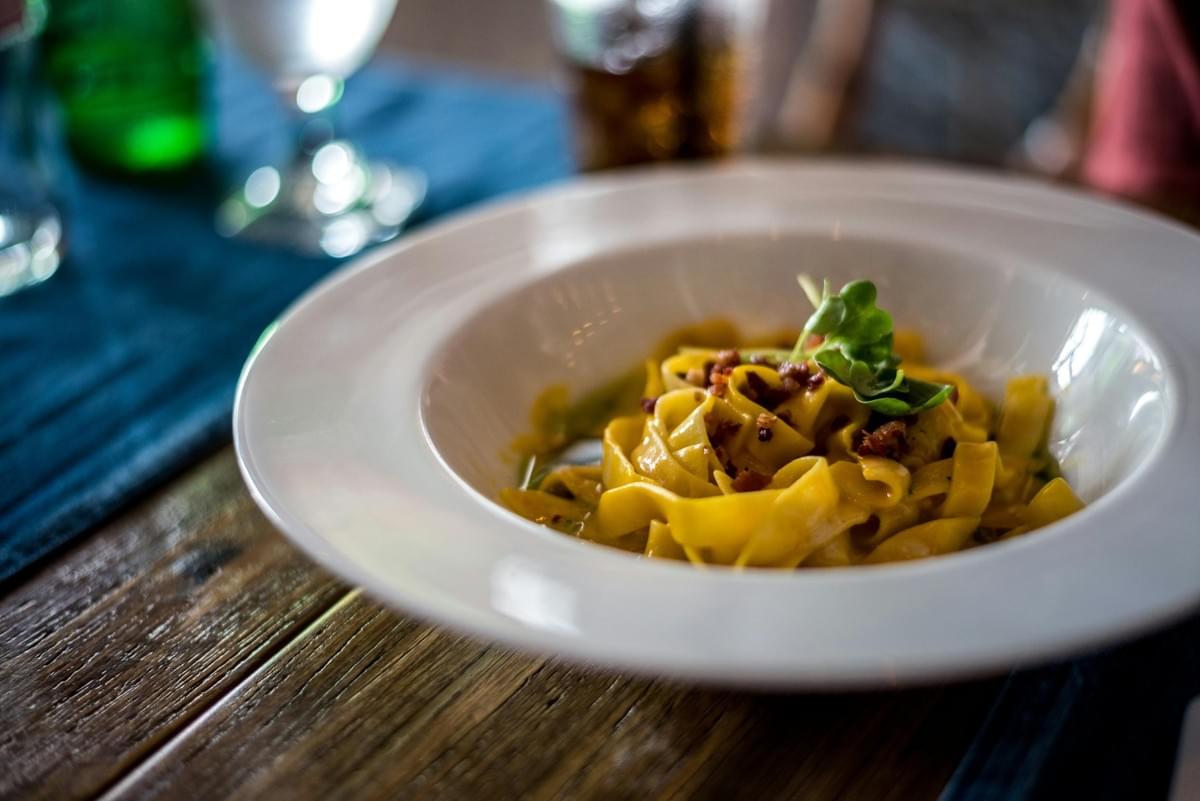
Can AI generate restaurant-quality food photos?
It can generate impressive concept and campaign visuals. It cannot reliably replace real photography when customers expect to see the exact dish they'll receive. Use it for mood, not menu.
Will Instagram penalise AI content?
The bigger risk isn't the platform: it's your customers. If AI images create expectations the food can't meet, engagement and trust drop. Keep it honest and you'll be fine.
Can AI help if I only have a phone camera?
Yes. Shoot on your phone, then use AI to clean distractions, improve lighting, and extend backgrounds. Many small businesses build their whole feed this way.
Do I still need a photographer?
For your actual menu items, yes. Photographers still outperform AI on accurate texture, real steam, freshness, and brand storytelling. Think of AI as the assistant, not the lead.
A Pre-Publish Checklist
Before you post anything AI-assisted, run through this:
- Does the food accurately represent what customers will receive?
- Is the image free from obvious AI artifacts?
- Does it match your restaurant's visual identity?
- Would a first-time customer recognise the dish when it arrives?
- Are AI elements limited to concept or decoration?
- Is the format optimised for Instagram, square or vertical?
- Does the caption support the visual story?
- Would this image build trust rather than false expectations?
Achieve That Foodie Feed Goals
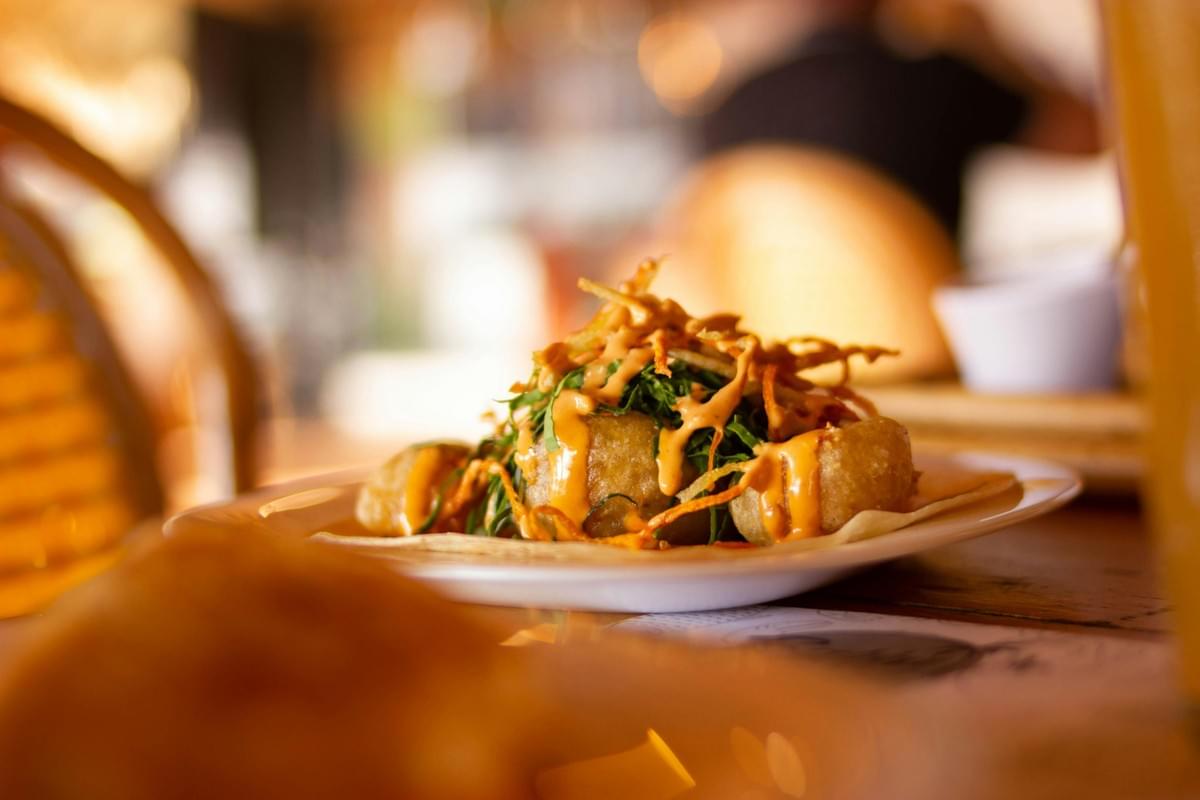
That first laksa image still reminds me of something simple. The most useful thing AI ever did for that restaurant wasn't the pretty picture: it was helping the real bowl look the way it deserved on a small phone screen.
So use these tools. They're genuinely helpful, and they can stretch a small budget a long way. But let the real food lead. Keep the plate honest, keep your branding steady, and let AI handle the world around the dish.
Start with one concept this week. Build your five variations. Run the checklist before you post. That's enough to begin, and honest food, told well, is what people remember.
